


Preselect common modifiers so staff can move faster and only change exceptions. This guide shows how to set default modifiers (preselected ingredients or sizes) for items.
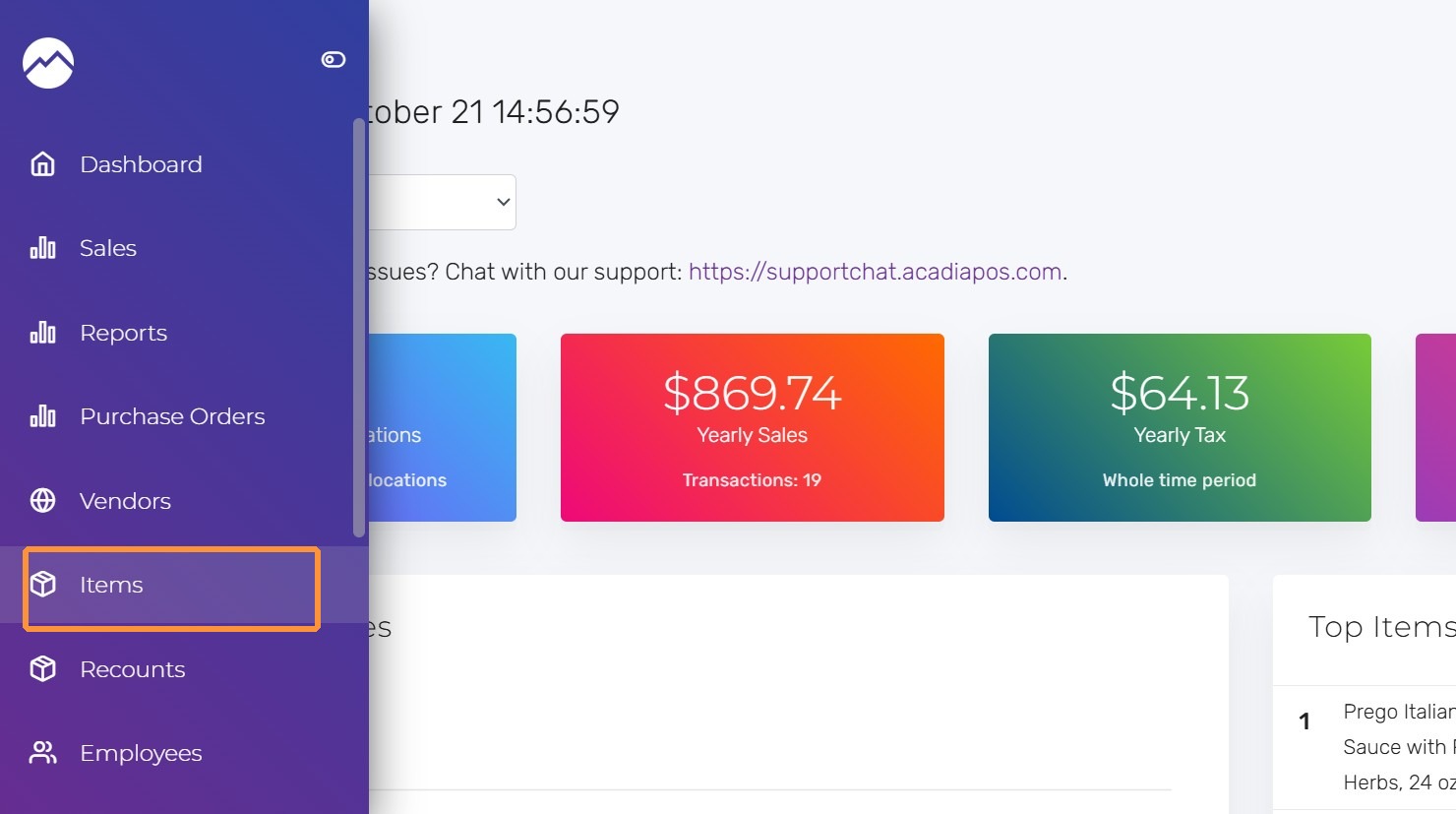
1. Navigate to manage.acadiapos.com for Retail or rfsm.acadiapos.com for Restaurant and click Items in the sidebar menu.
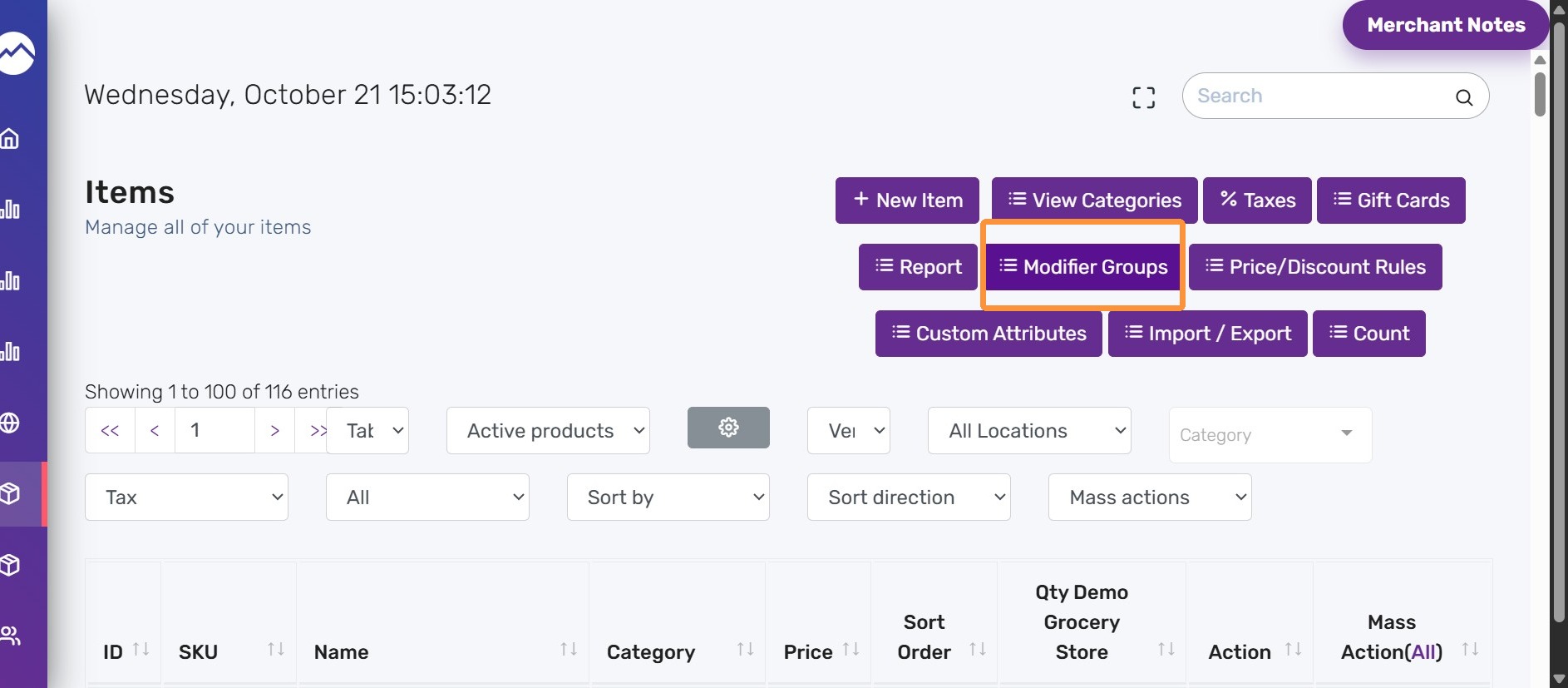
2. Click “Modifier Groups”
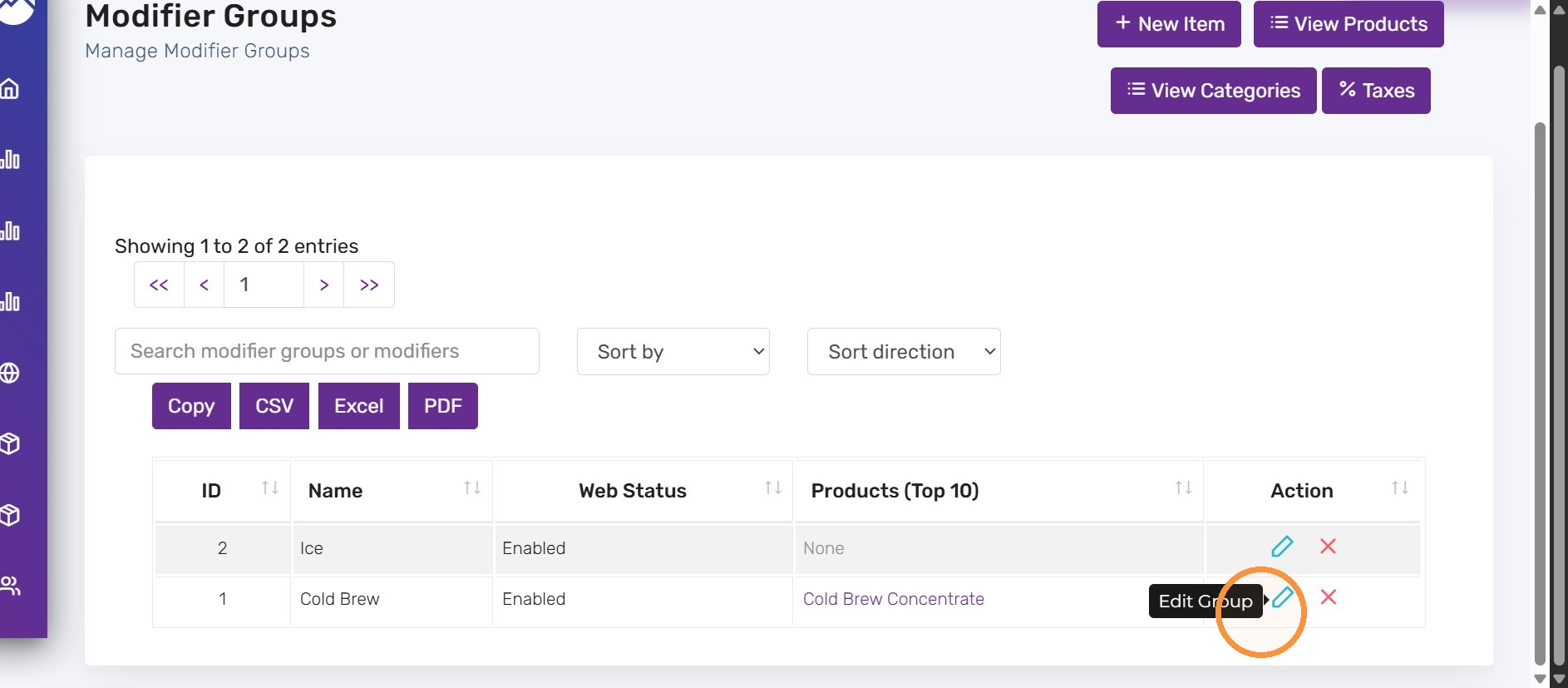
3. Edit a modifier group
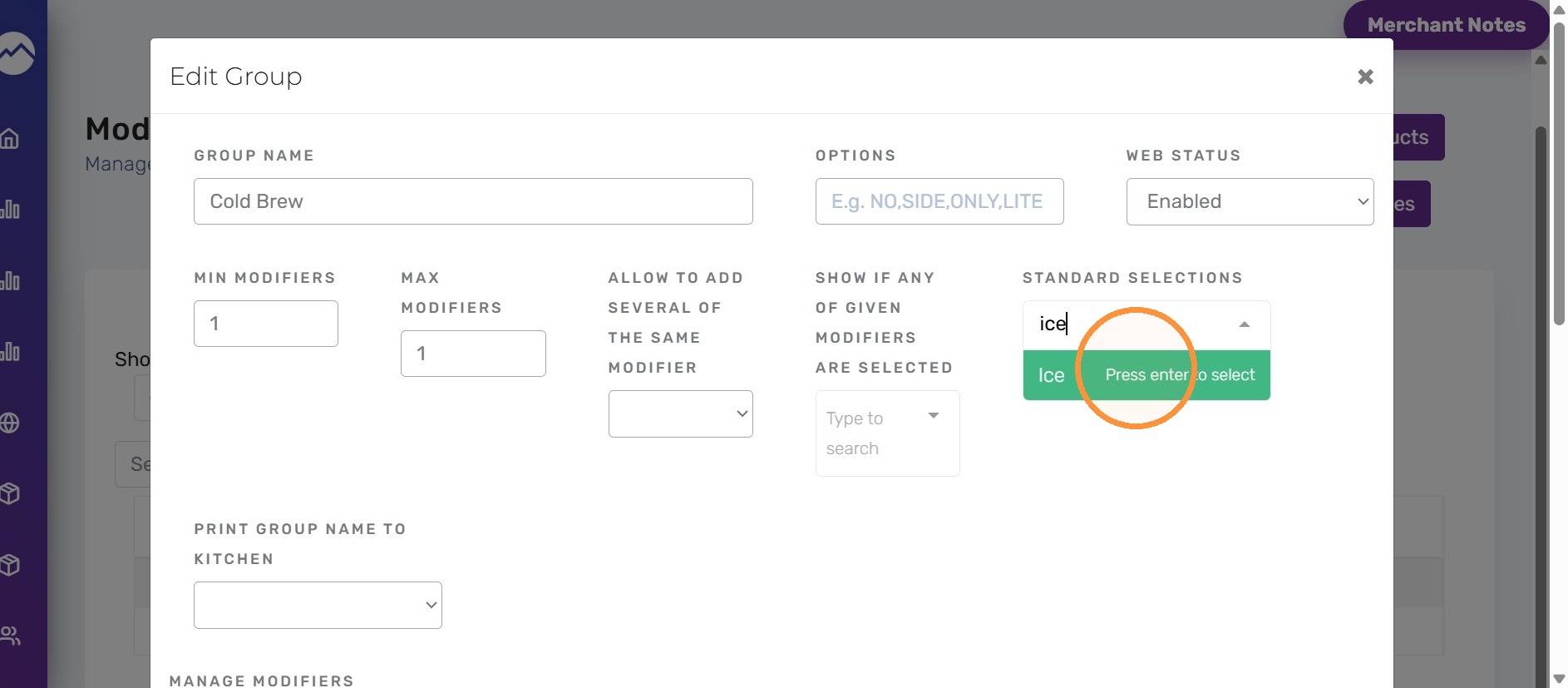
4. Under Standard Selections, choose the modifiers that should be preselected.
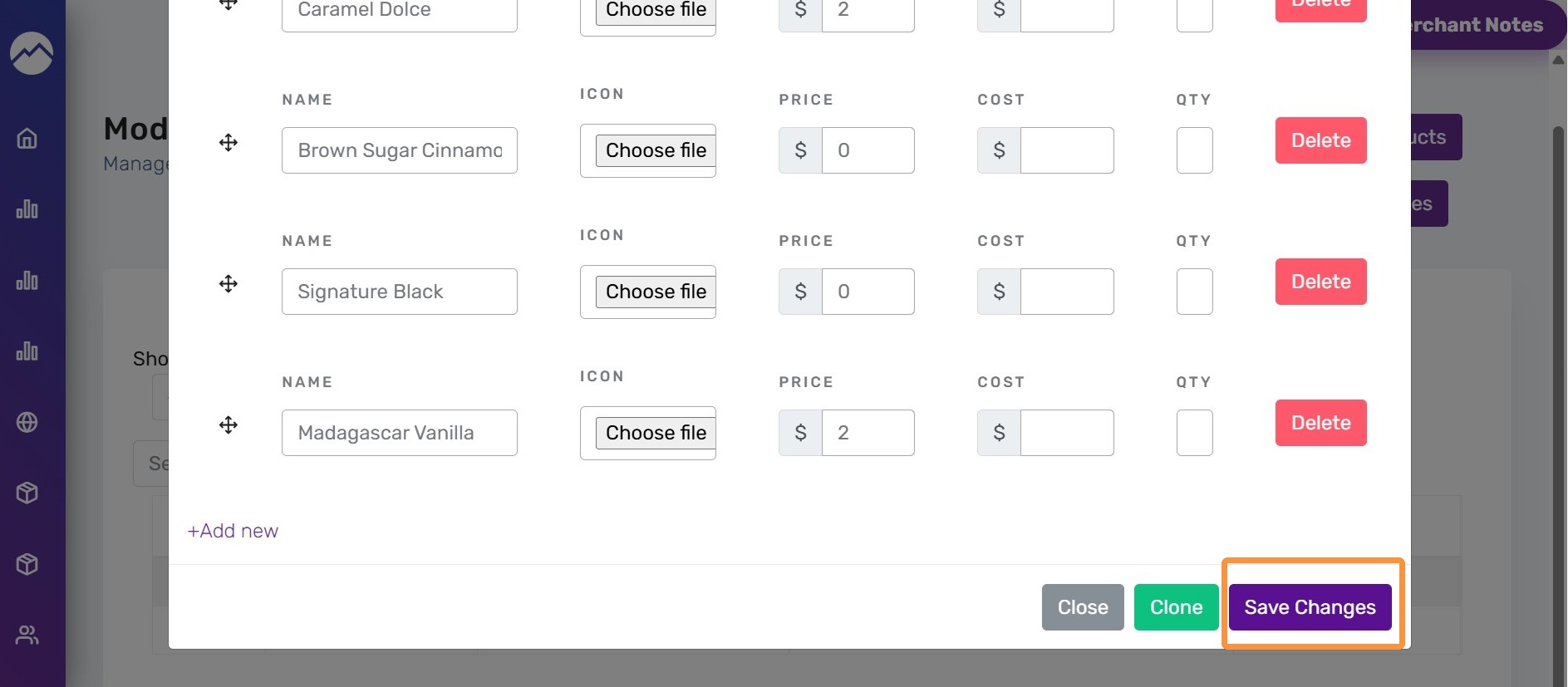
5. Click “Save Changes”
Tips:
- Use this for default ingredients (e.g., Ice, Medium size).
- Combine with required selections if a choice is mandatory.


