

This guide shows how to hide item details and control which staff/order information prints on kitchen tickets.
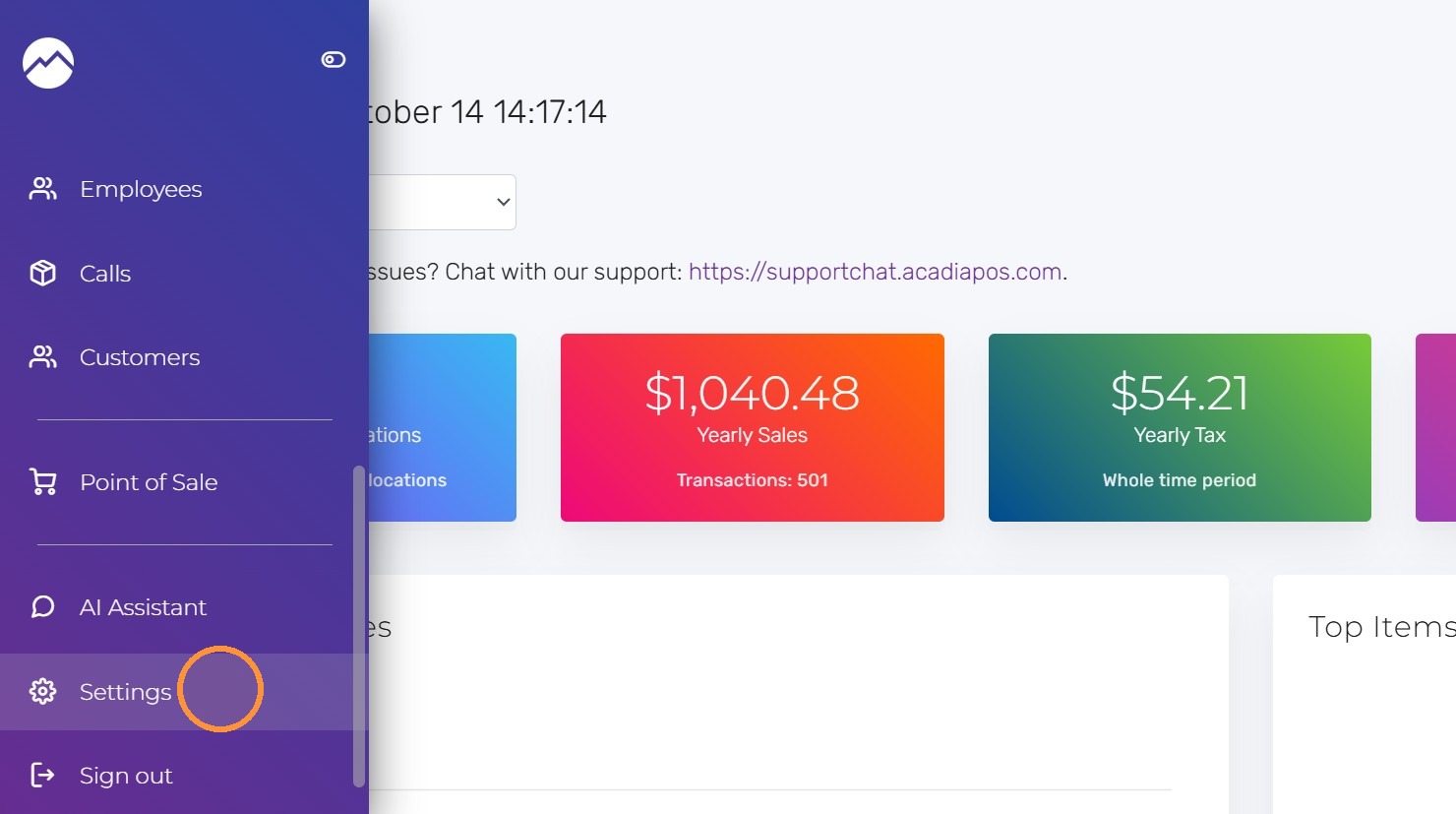
1. Navigate to manage.acadiapos.com for Retail or rfsm.acadiapos.com for Restaurant and click Settings in the sidebar menu.
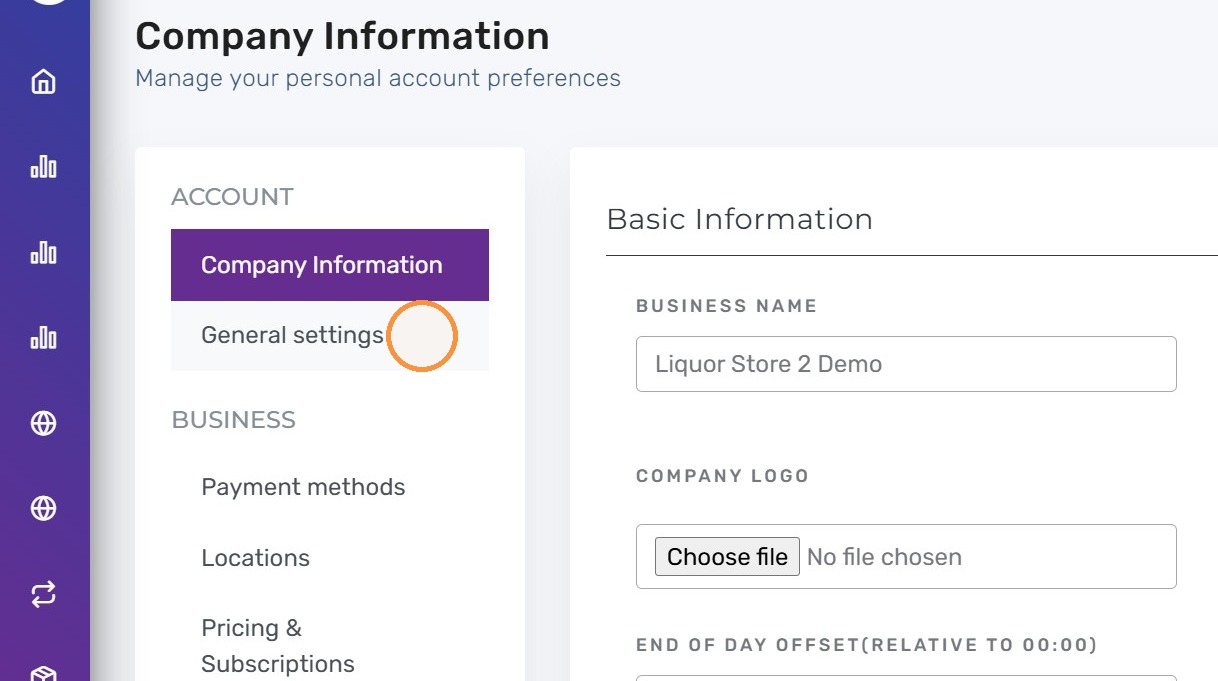
2. Click “General settings”
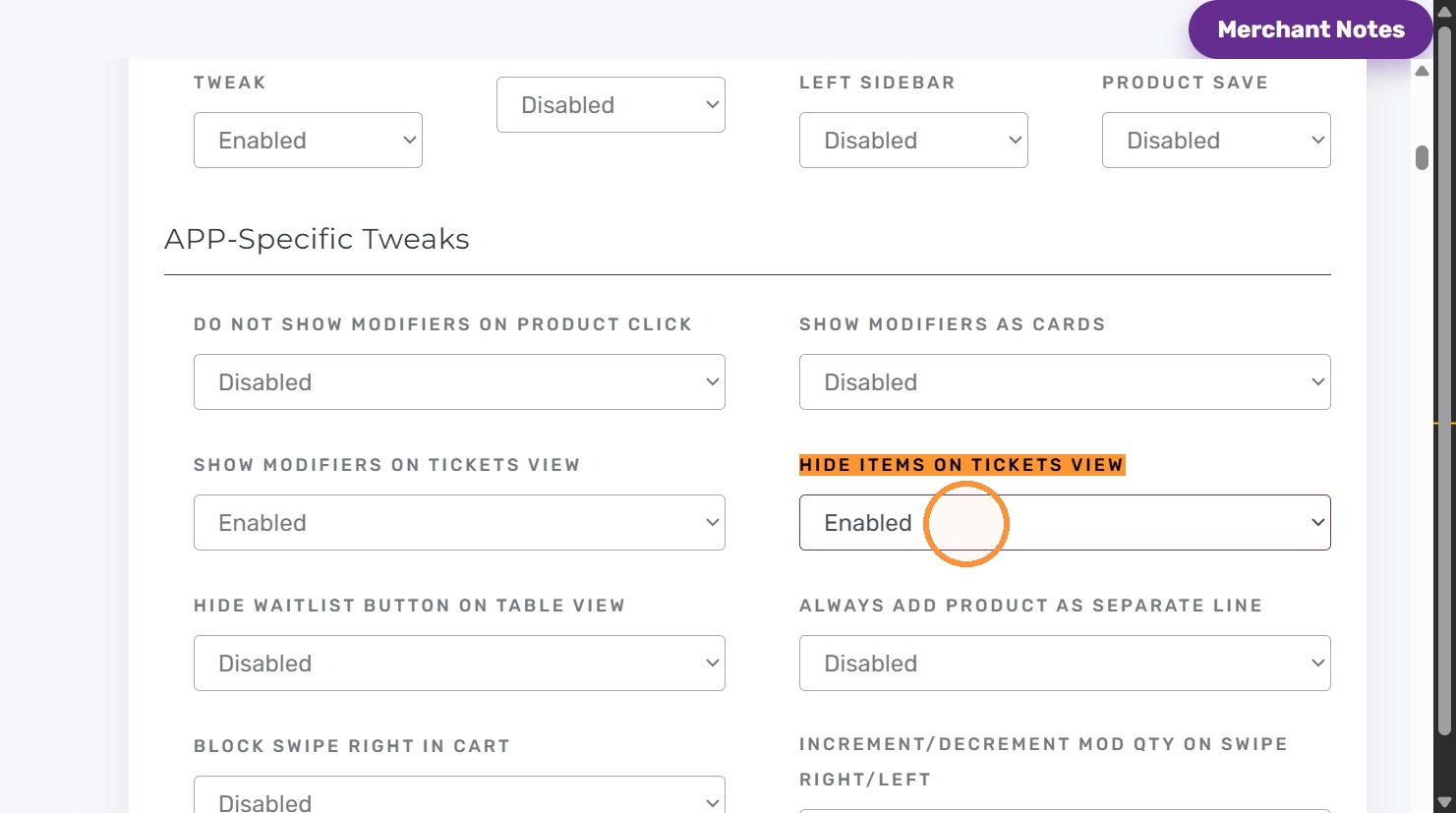
3. Press Ctrl + F (Windows) or ⌘ + F (Mac) and find “Hide Items On Tickets View”. Set it to “Enabled”.
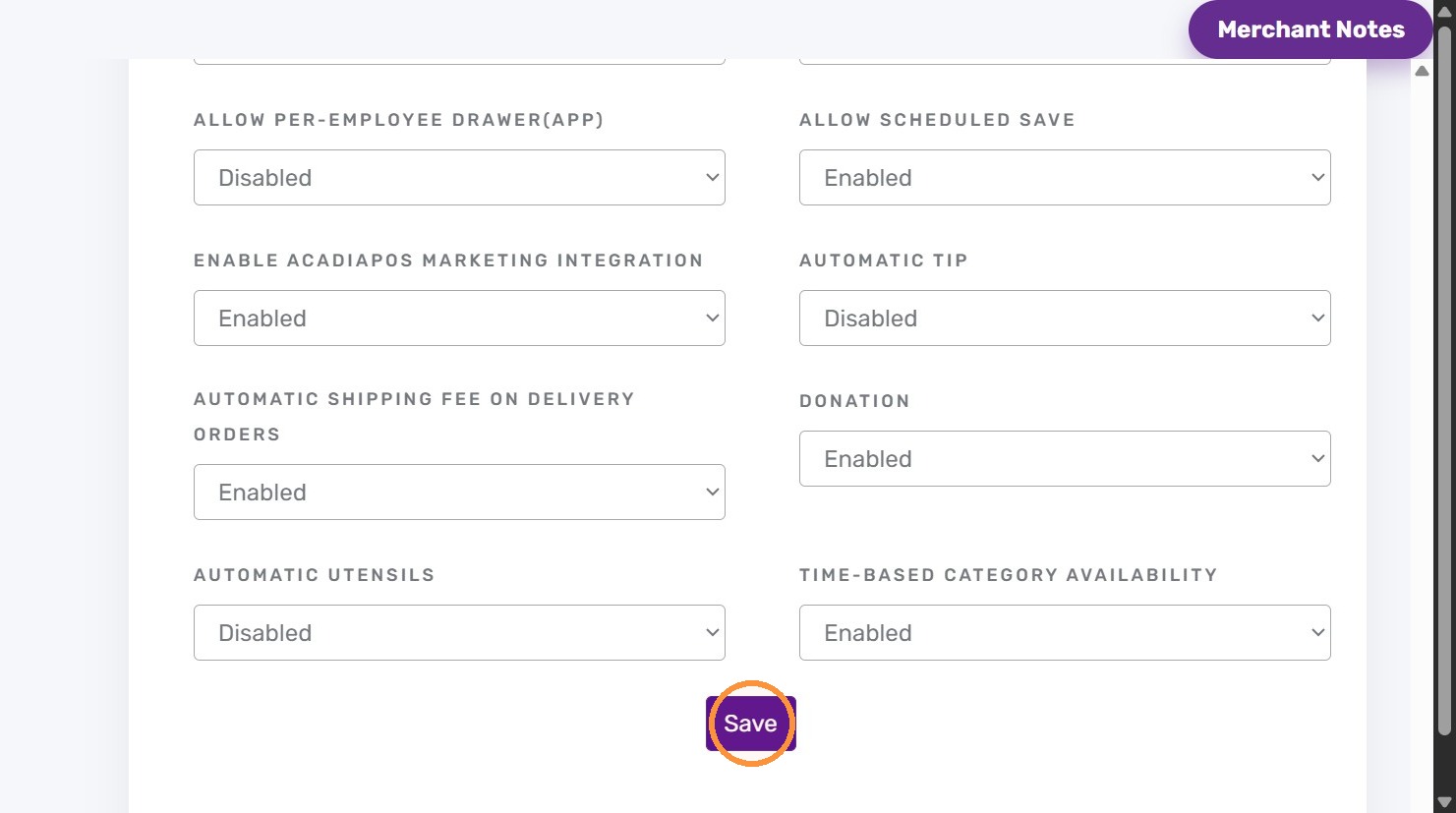
4. Click “Save”
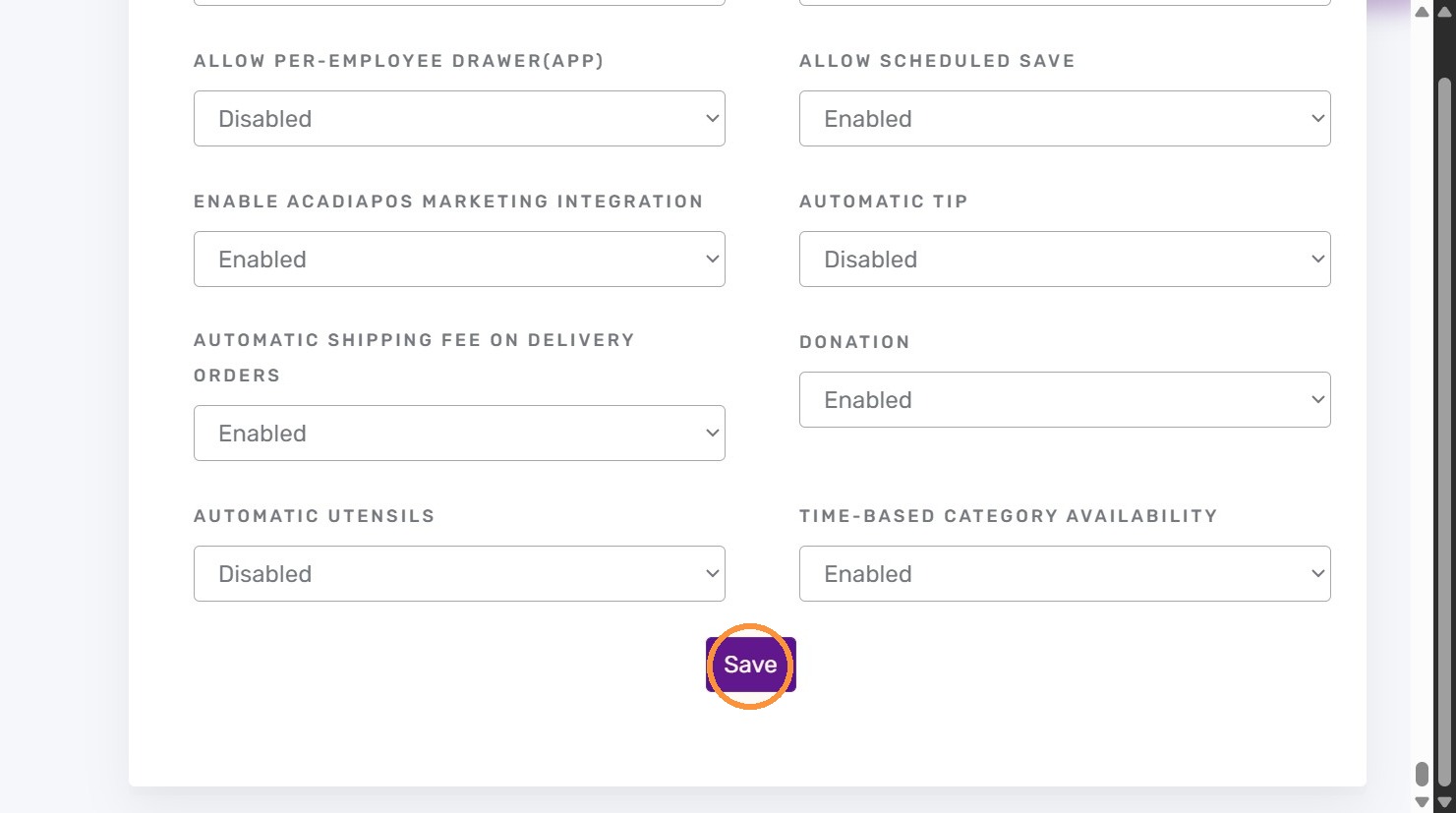
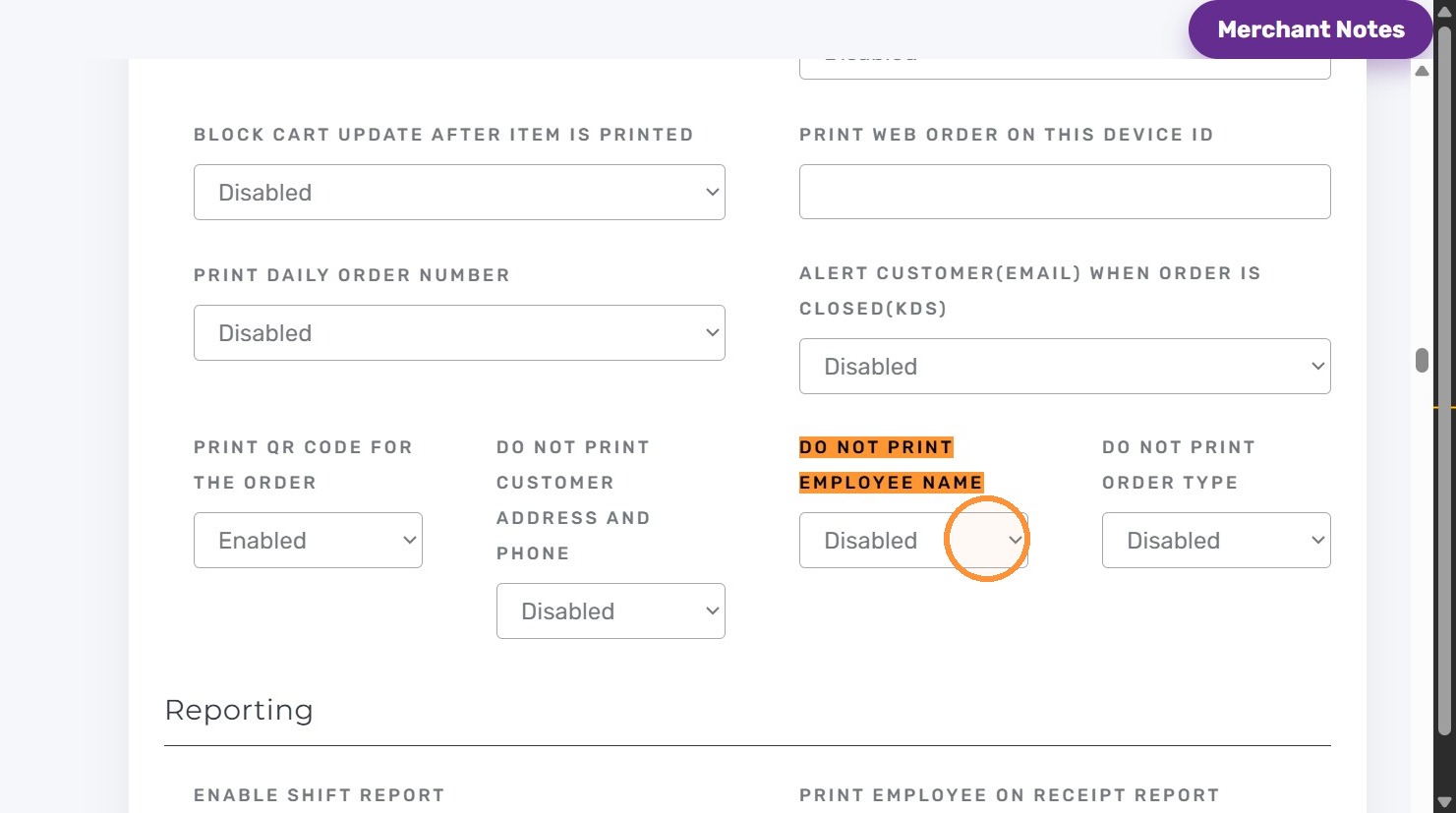
5. Kitchen printing also offers “Do not print Employee name” and “Do not print Order type.
Set “Do not print Employee name” to “Enabled/Disabled” as you want.
6. Set “Do not print order type” to “Enabled/Disabled”.
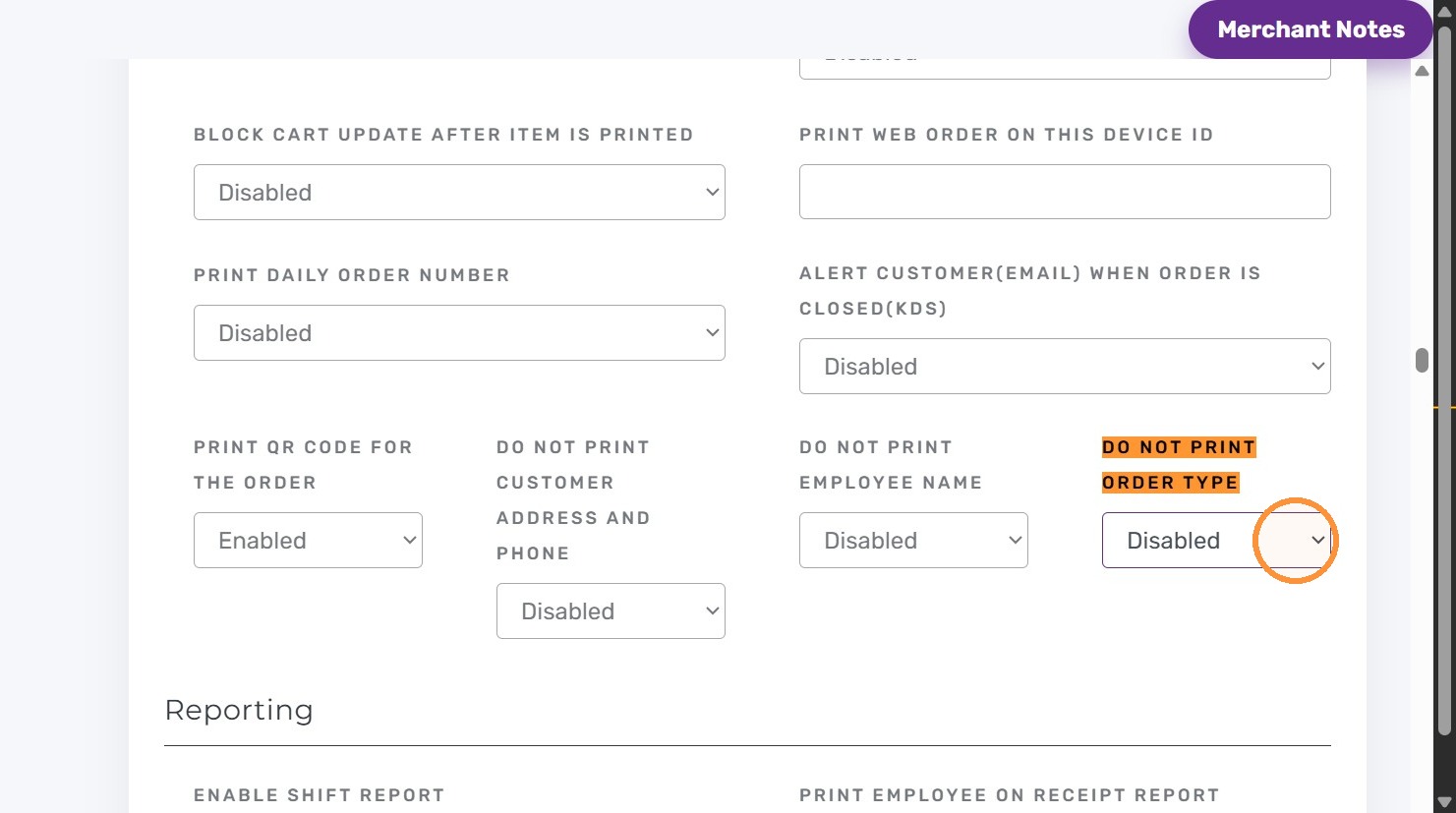
7. Click “Save” and check a kitchen ticket to confirm the information staff will receive.