


This guide shows how to set custom margin-alert thresholds, review low margin sales in Insights (Sales), and investigate alerts by checking costs and filtering sales by date, location, category, or vendor.
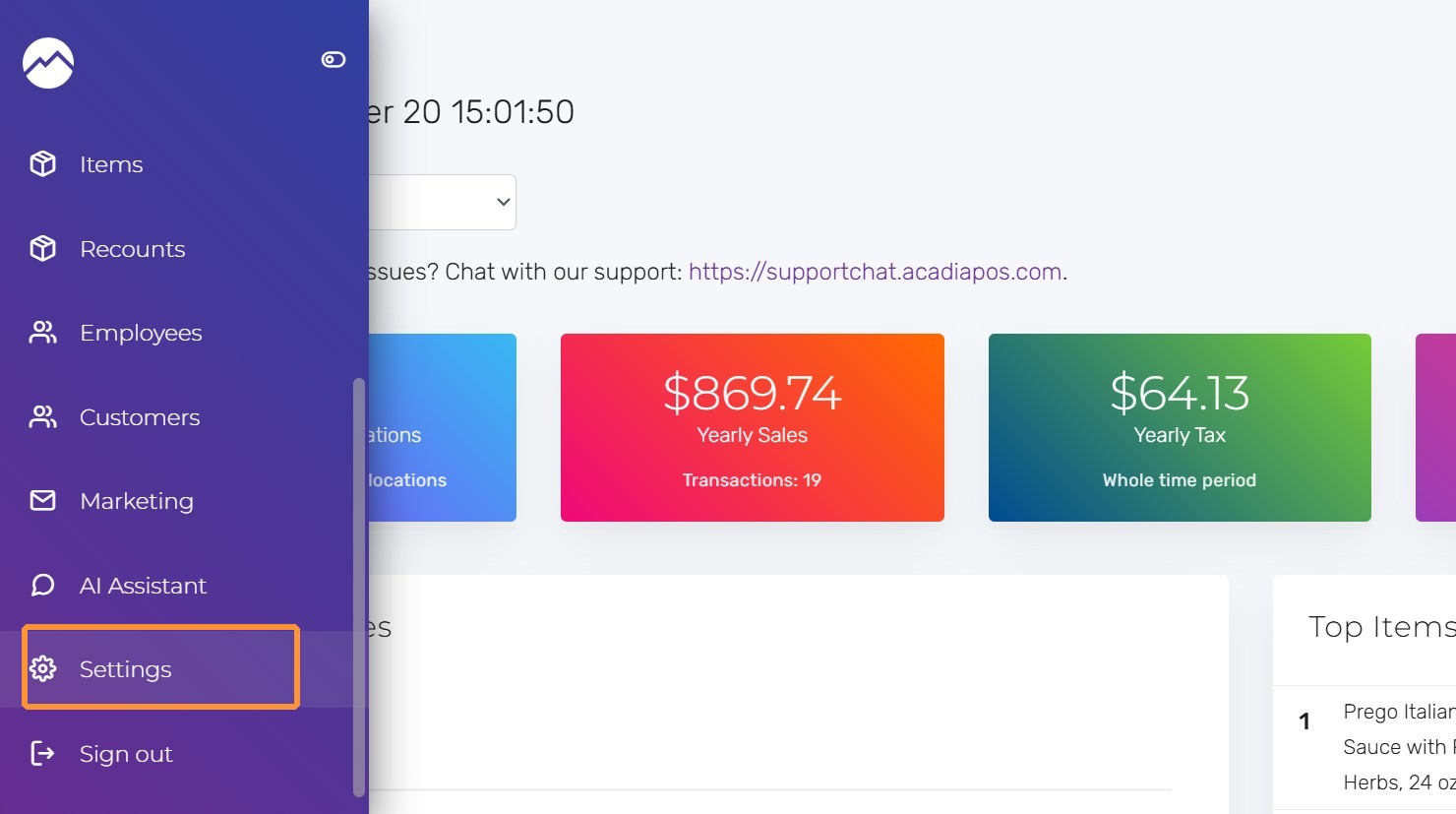
1. Navigate to manage.acadiapos.com for Retail or rfsm.acadiapos.com for Restaurant and click Settings in the sidebar menu.
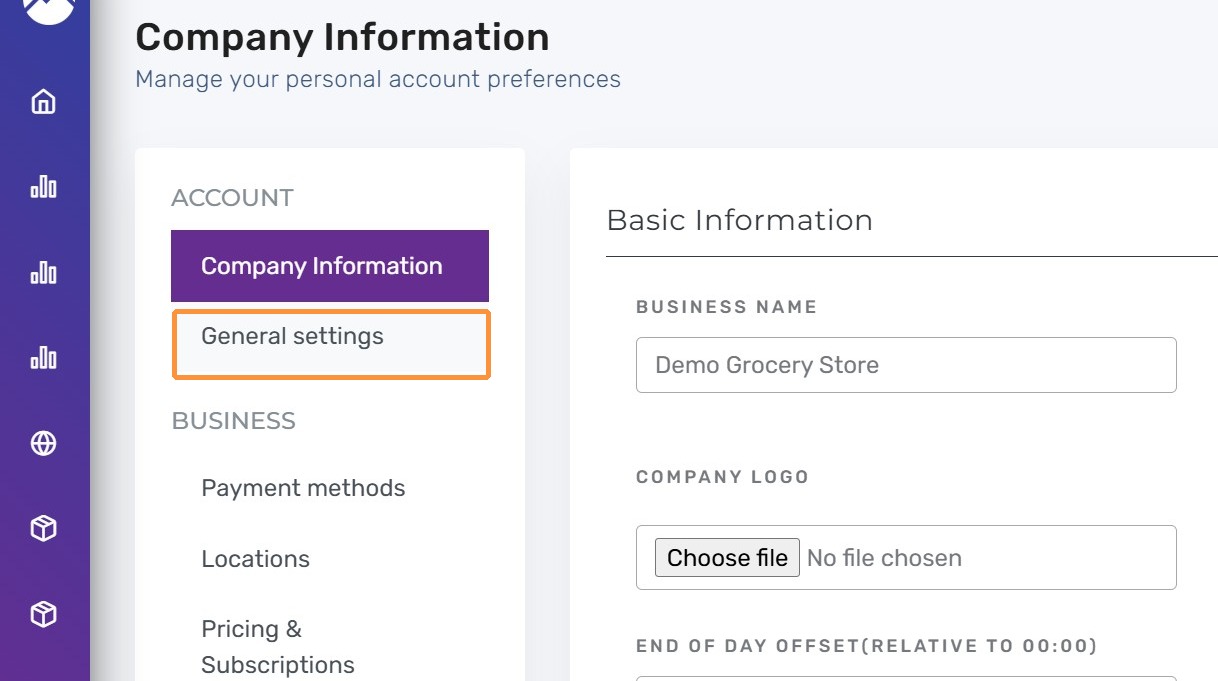
2. Click “General settings”
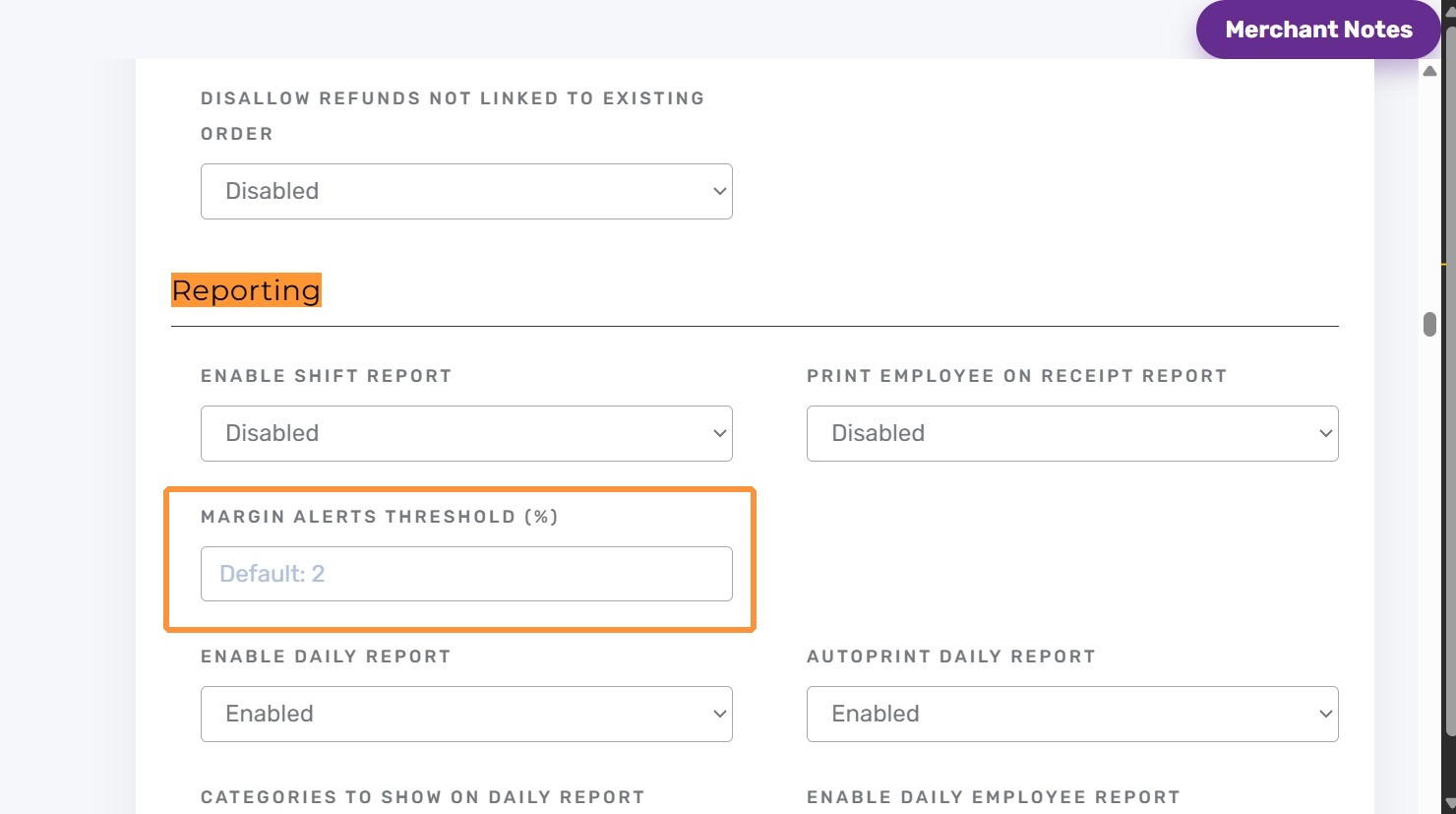
3. Press Ctrl + F (Windows) or ⌘ + F (Mac) and find “Margin alerts threshold (%)”
In Reporting, enter a value for Margin alerts threshold (%)
If no threshold is entered, the default threshold is 2%.
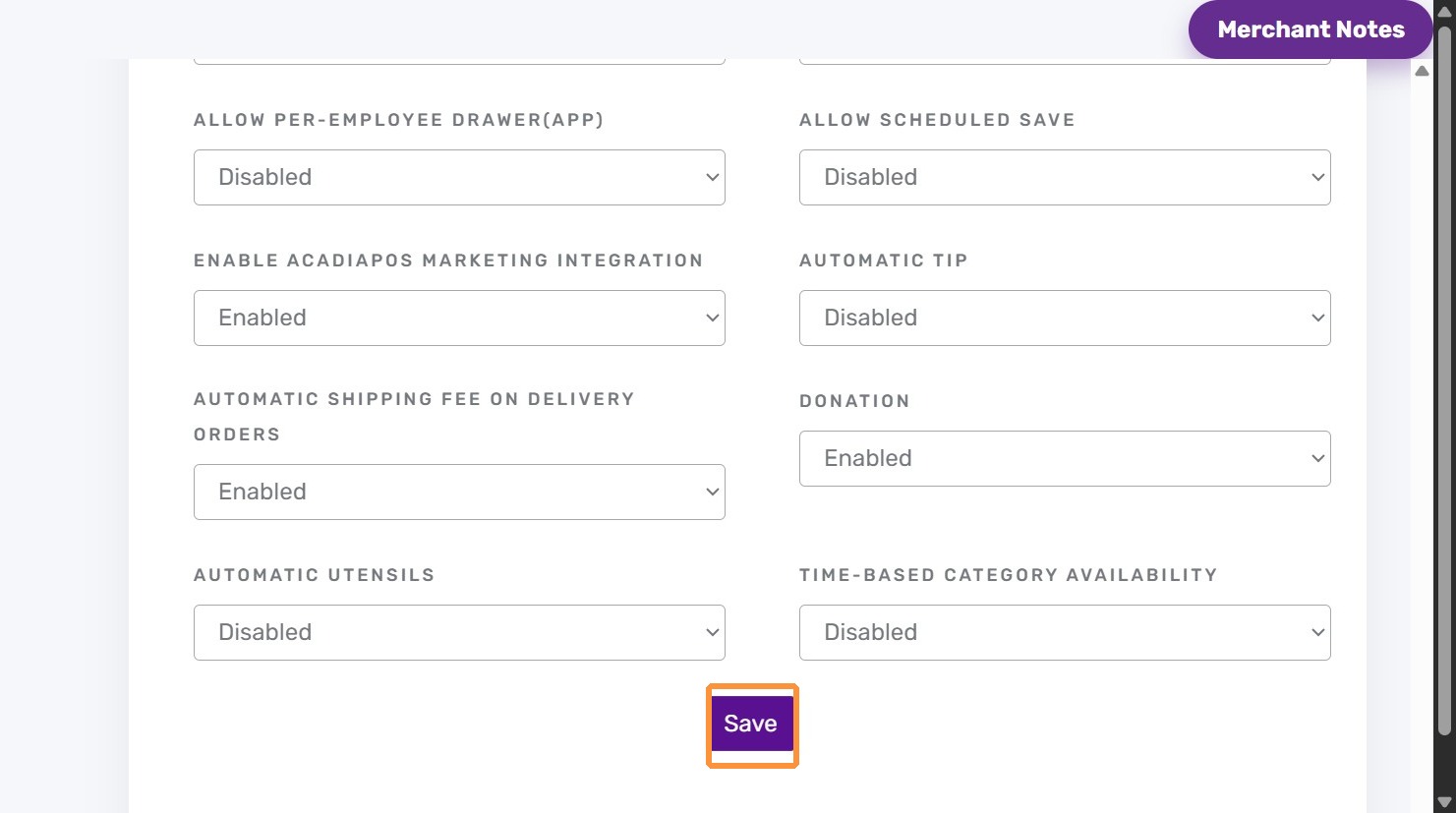
4. Click “Save”
Tips:
- Use a low threshold when you only want to catch severe margin problems.
- Review product costs when an item appears unexpectedly.
- Filter insights by date, location, category, or vendor when investigating a specific issue.


