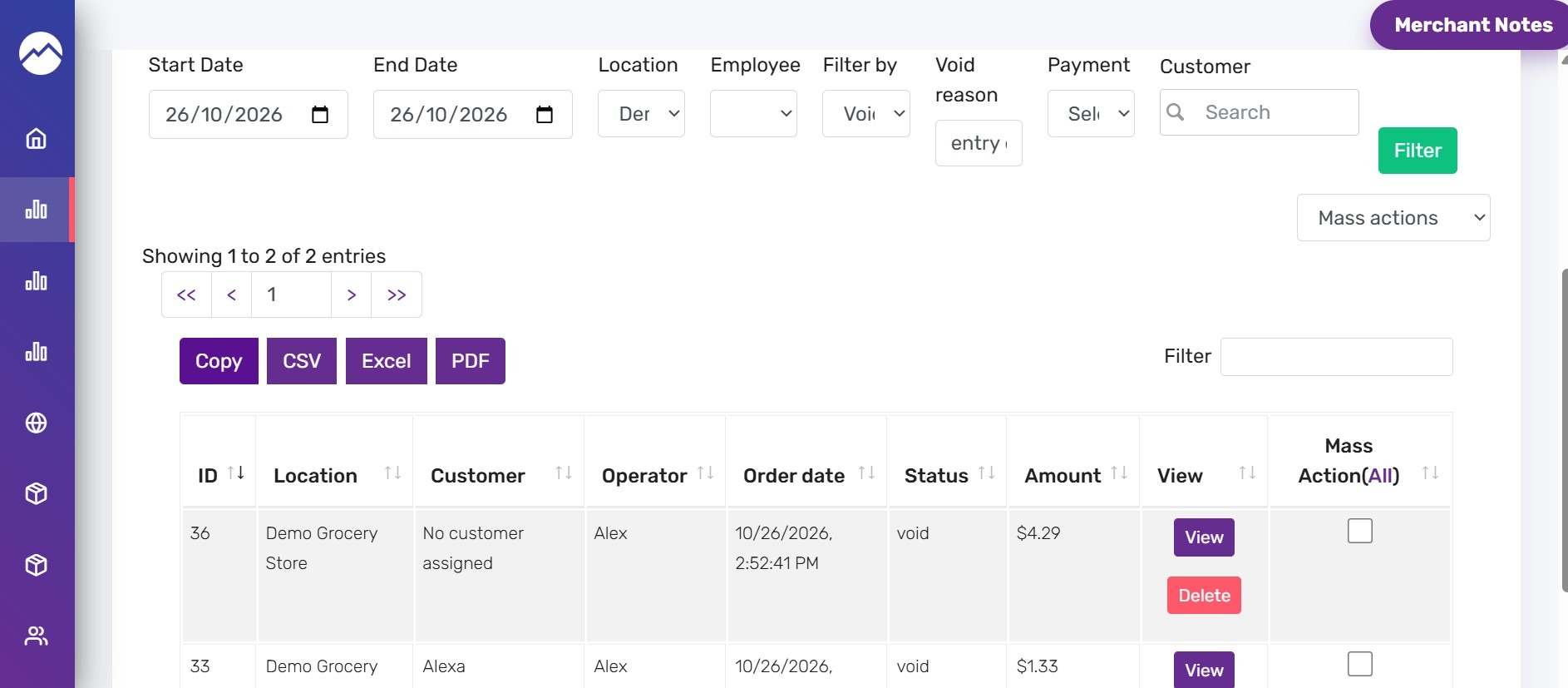


This guide shows how to quickly locate voided sales by void reason. Follow the steps to filter results and display only the relevant voided orders.
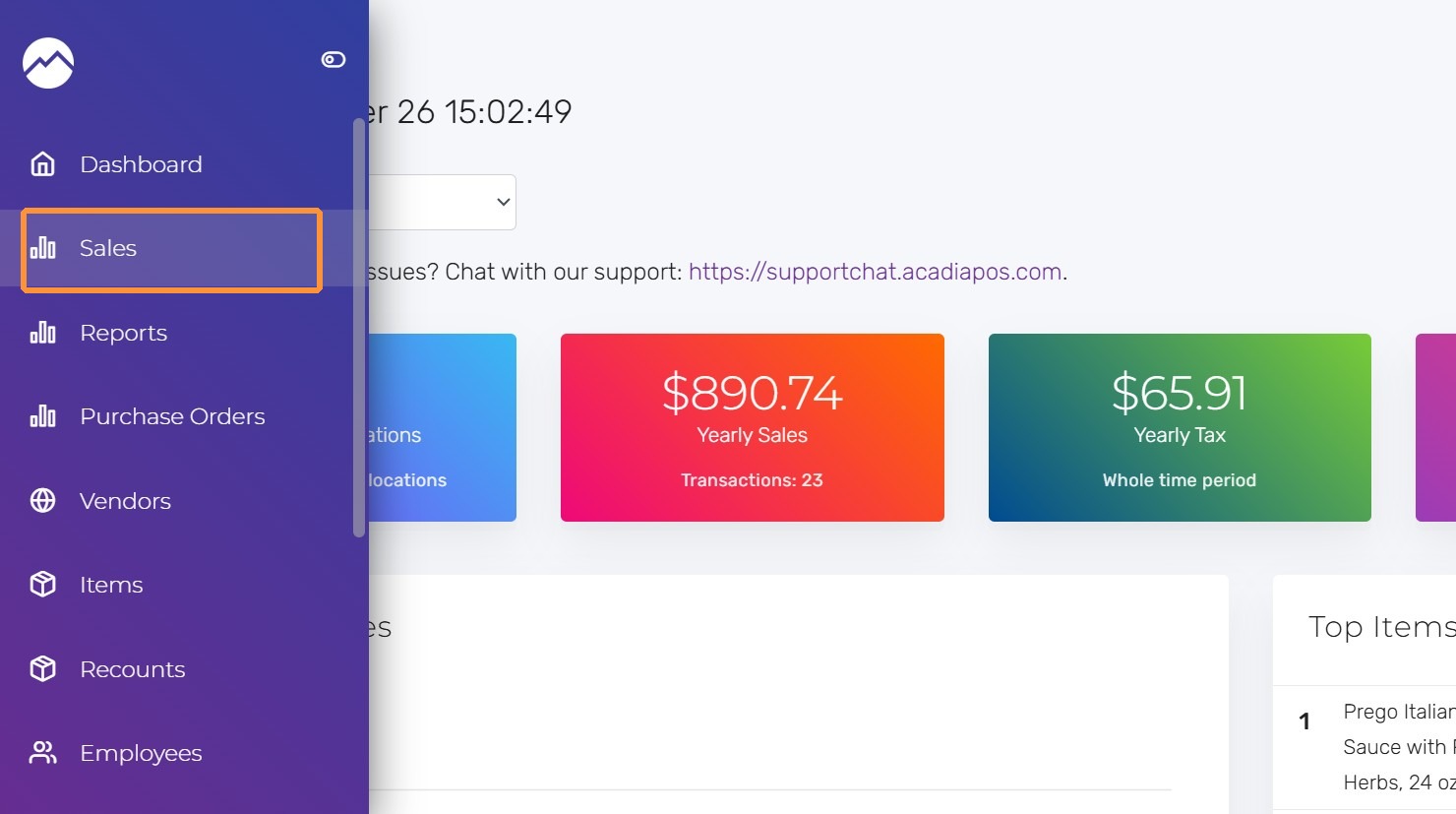
1. Navigate to manage.acadiapos.com for Retail or rfsm.acadiapos.com for Restaurant and click Sales in the sidebar menu.
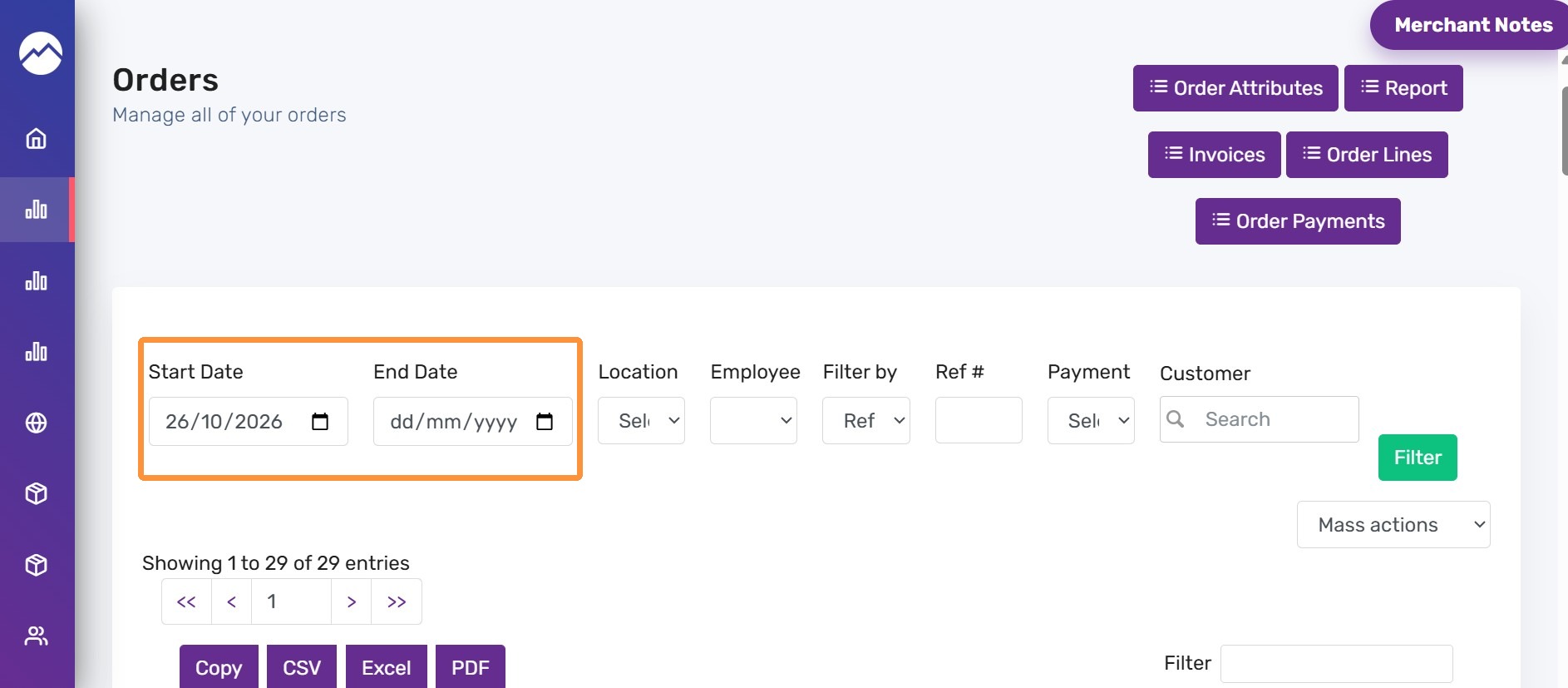
2. Click the date field and select the date on which the order was placed
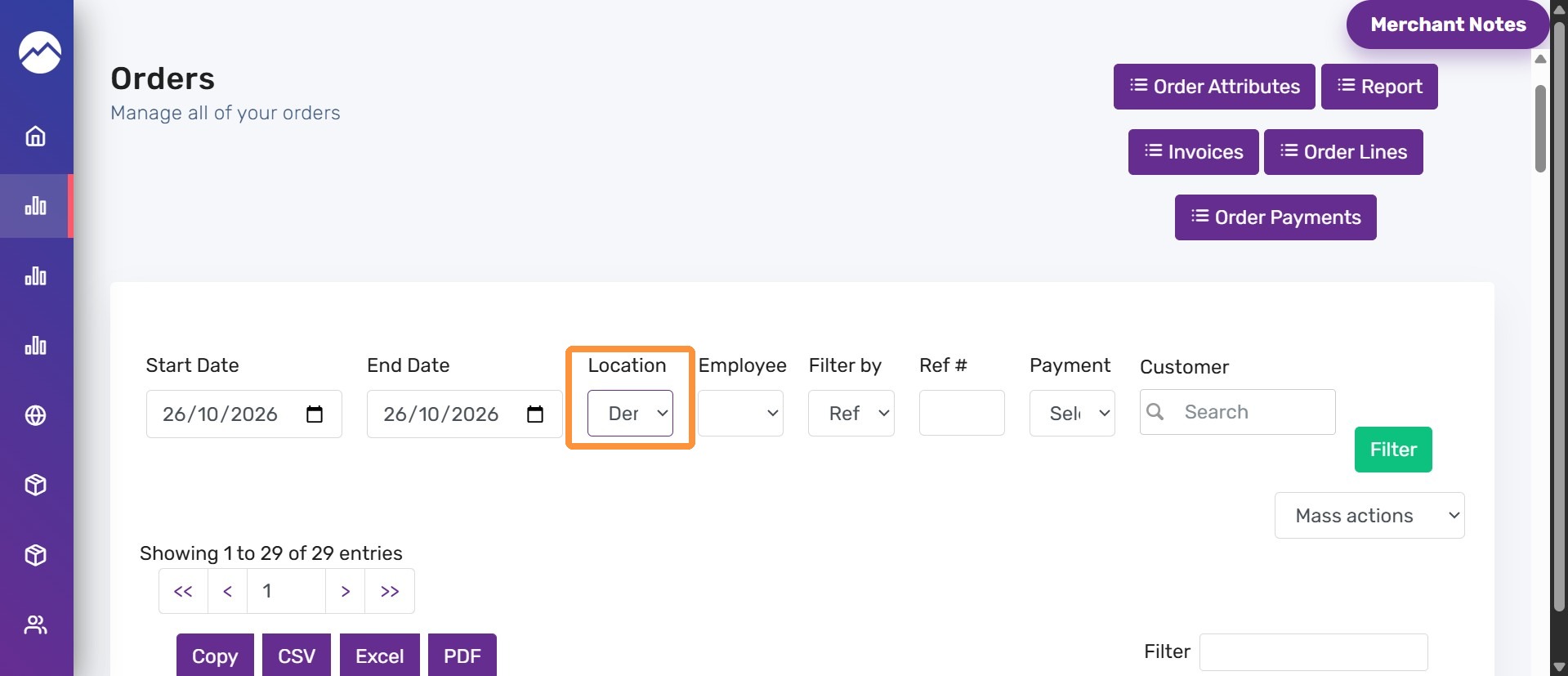
3. Select the location
4. Click the filter by dropdown and select the “Void reason” option.
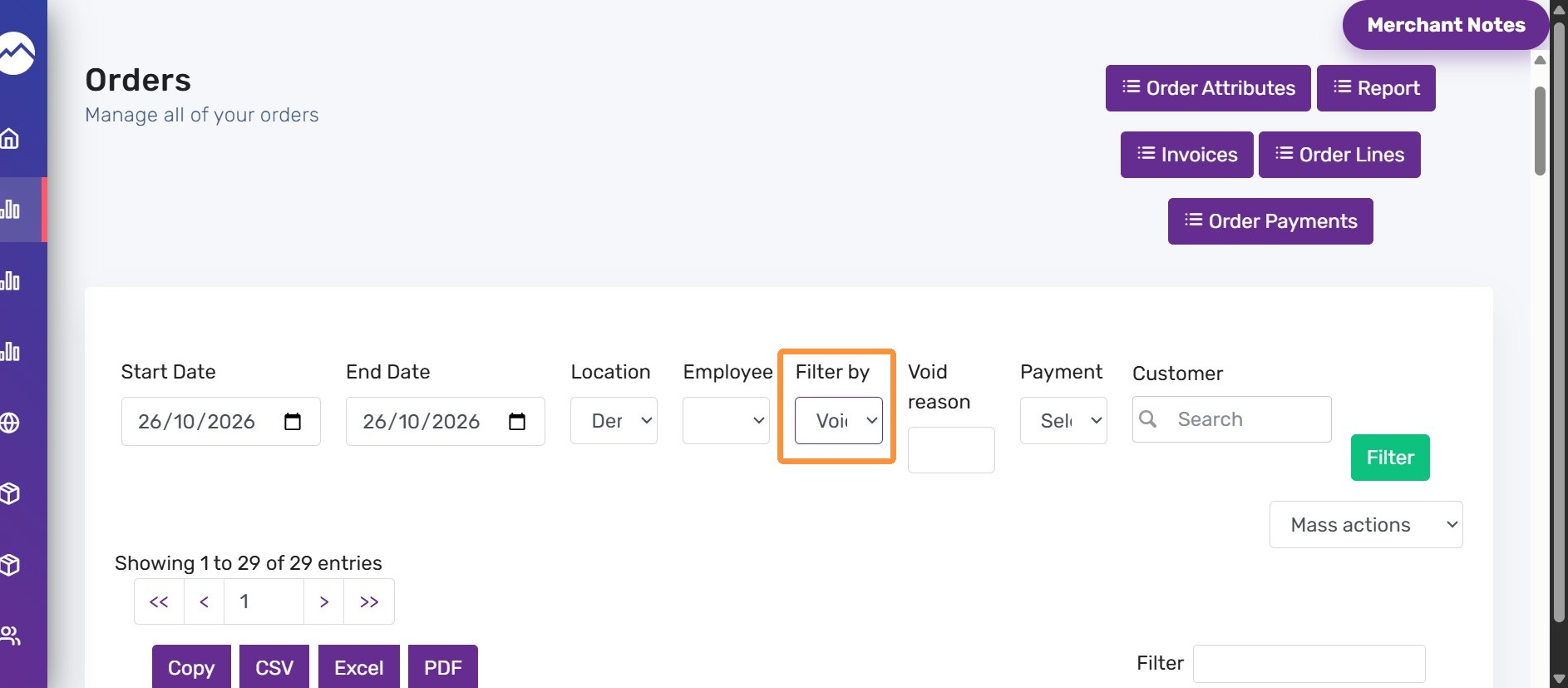
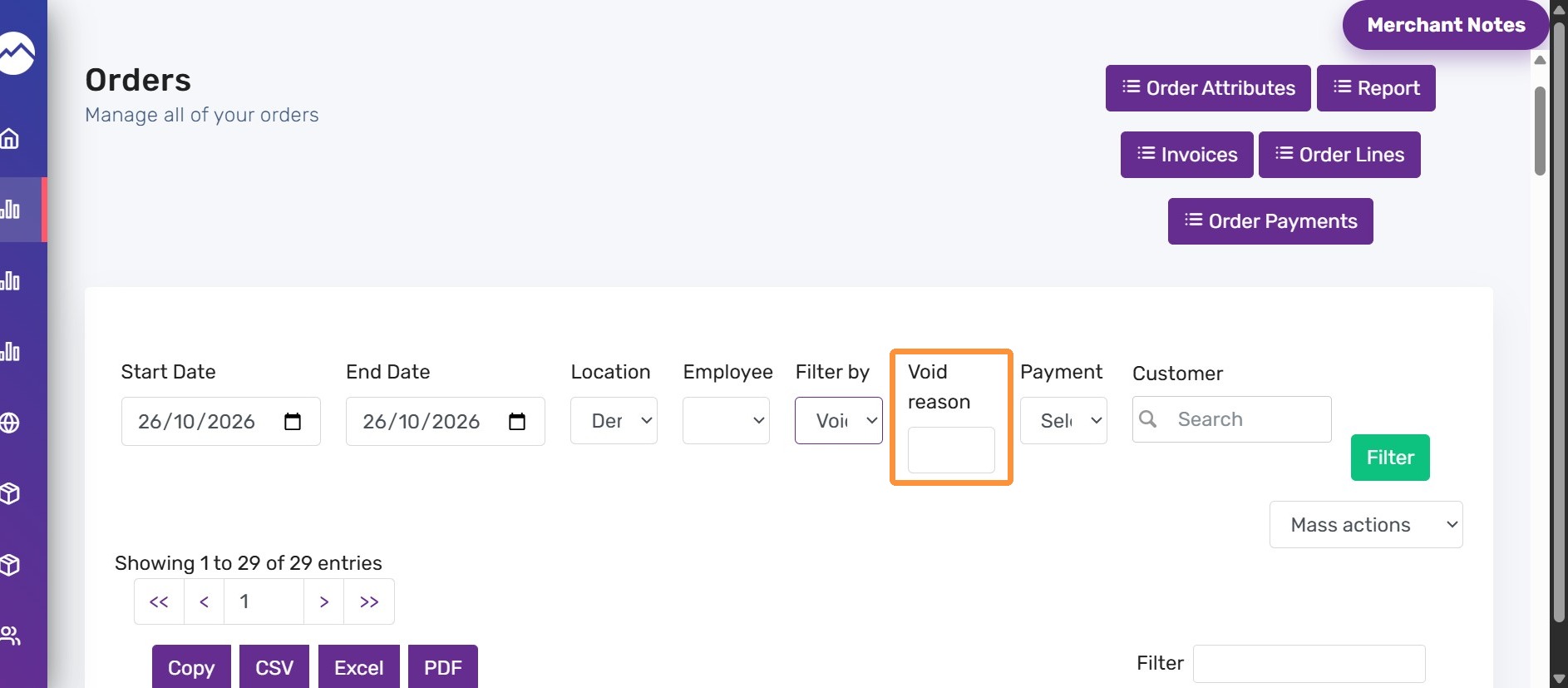
5. Click the void reason field and enter the reason that was selected for voiding the order
For example: Entry error
6. Click “Filter”
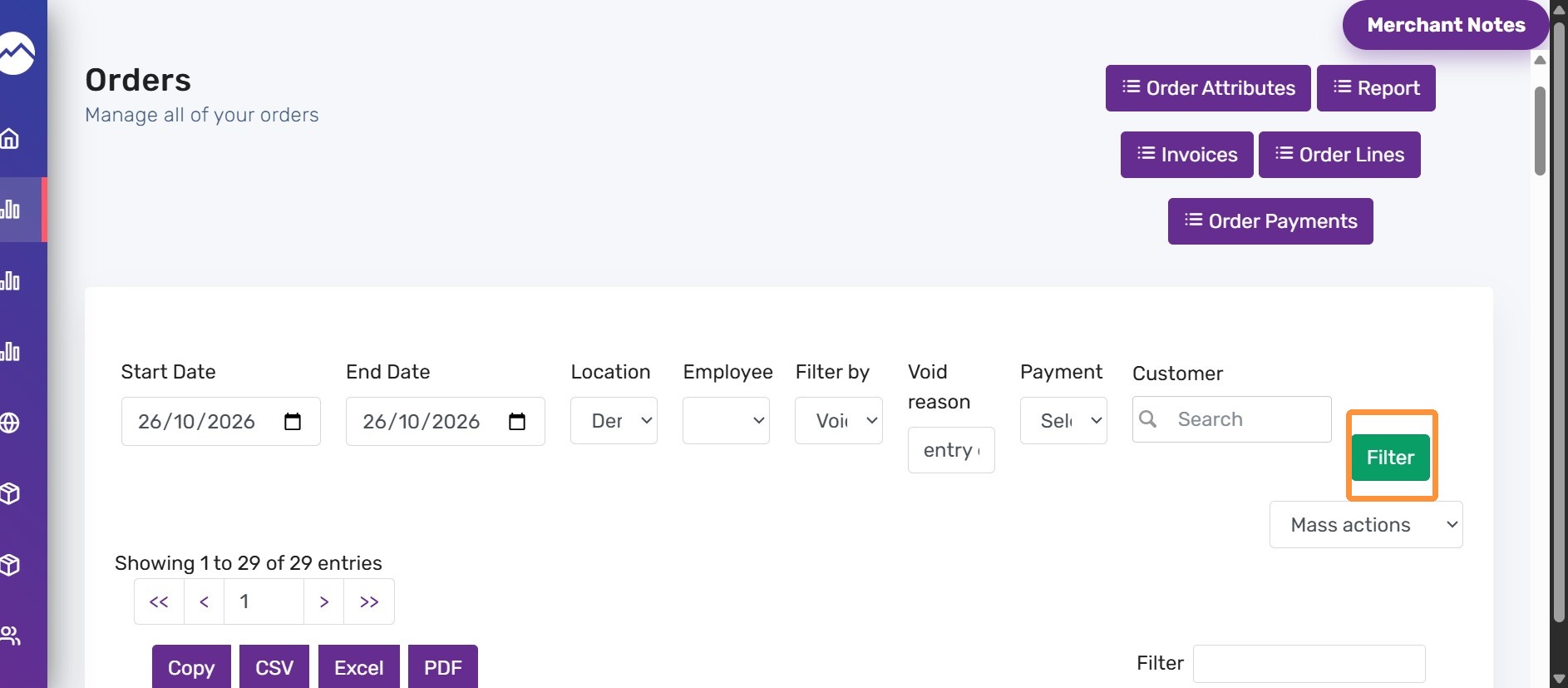
7. It shows the list of orders placed on the entered date with the entry error as a void reason.