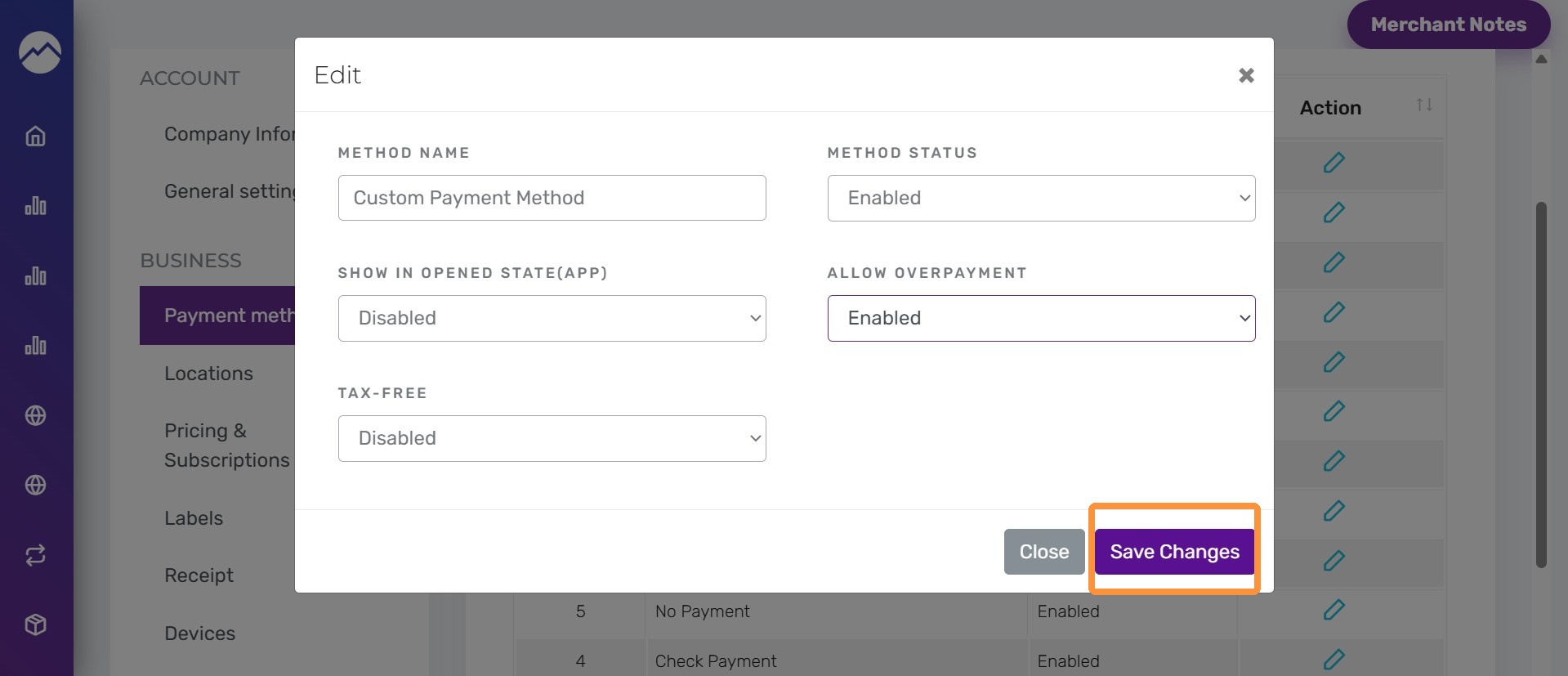


This guide quickly shows how to enable/disable overpayments for a custom payment method so staff can accept amounts above the due total when appropriate. Follow it to control cash handling behavior, prevent accidental over- or under-taking of payments, and ensure your settings match your business rules.
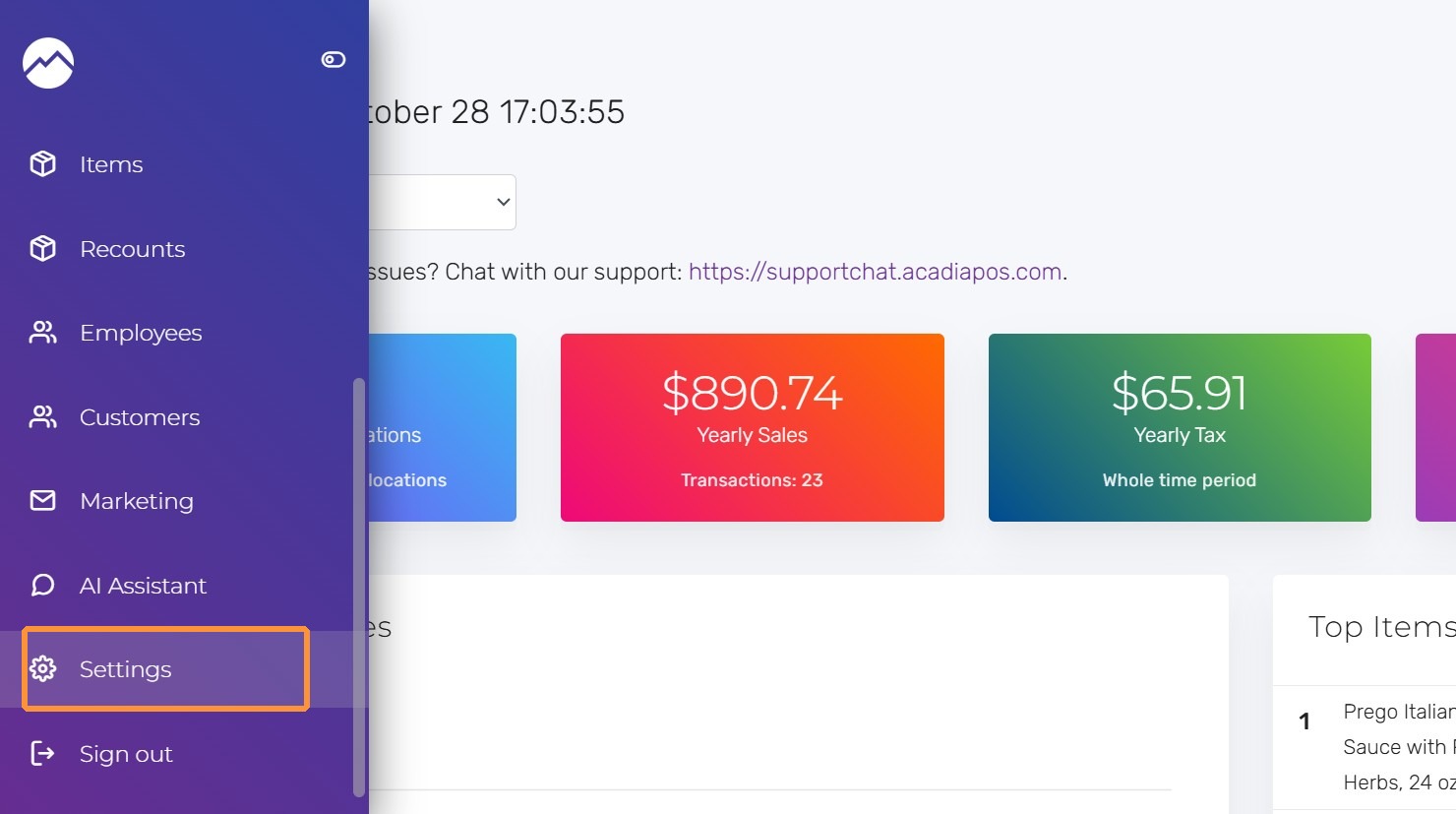
1. Navigate to manage.acadiapos.com for Retail or rfsm.acadiapos.com for Restaurant and click Settings in the sidebar menu.
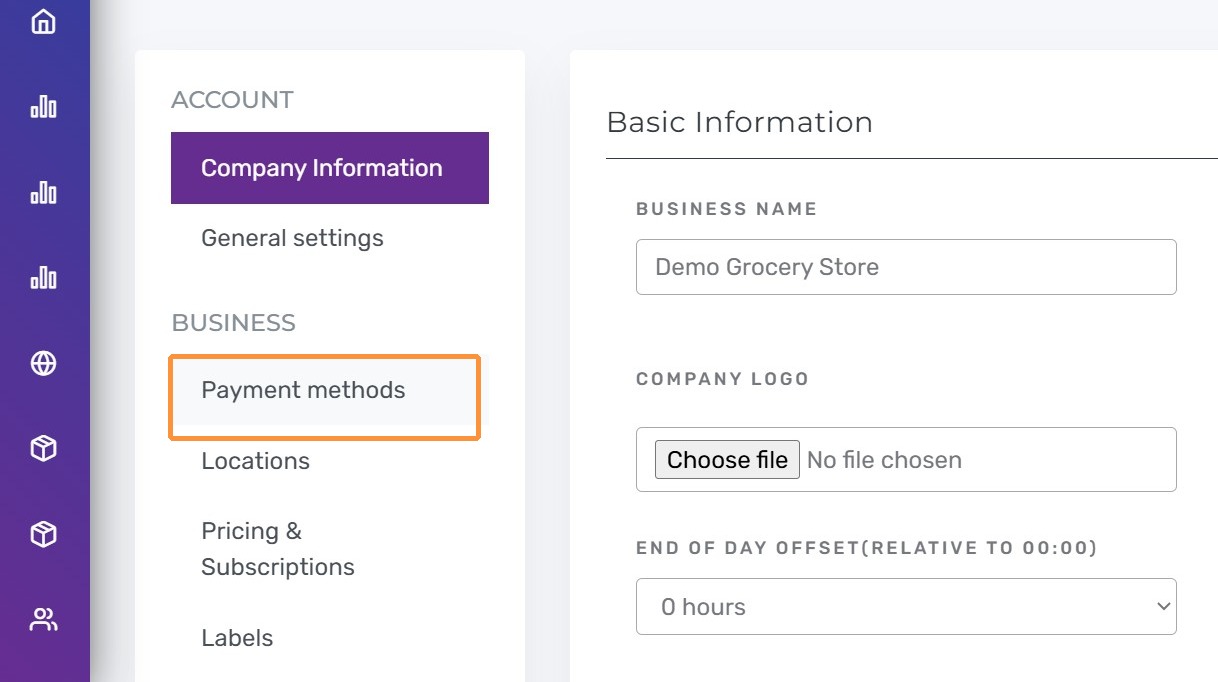
2. Click “Payment methods”
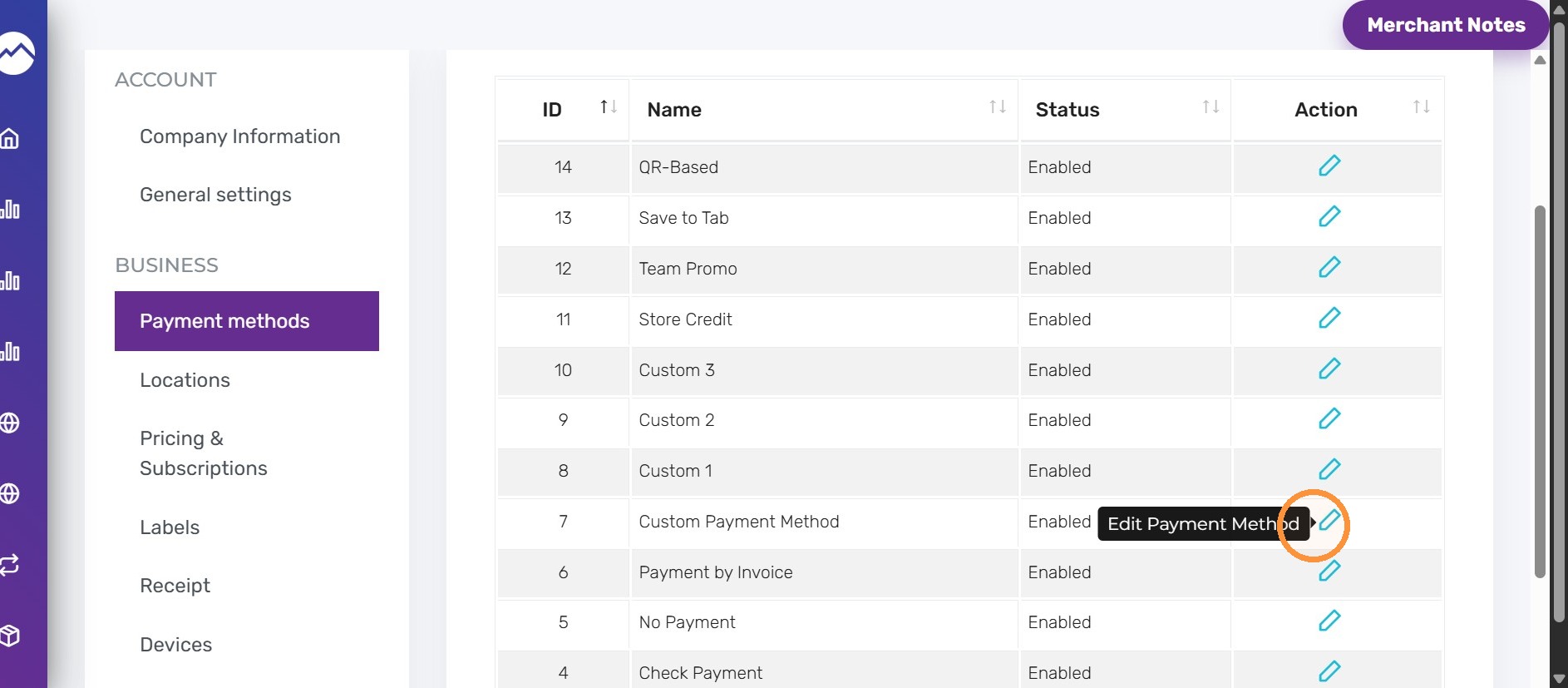
3. Click the edit icon for Custom Payment Method
4. Set allow overpayment to control whether it can accept more than the amount due
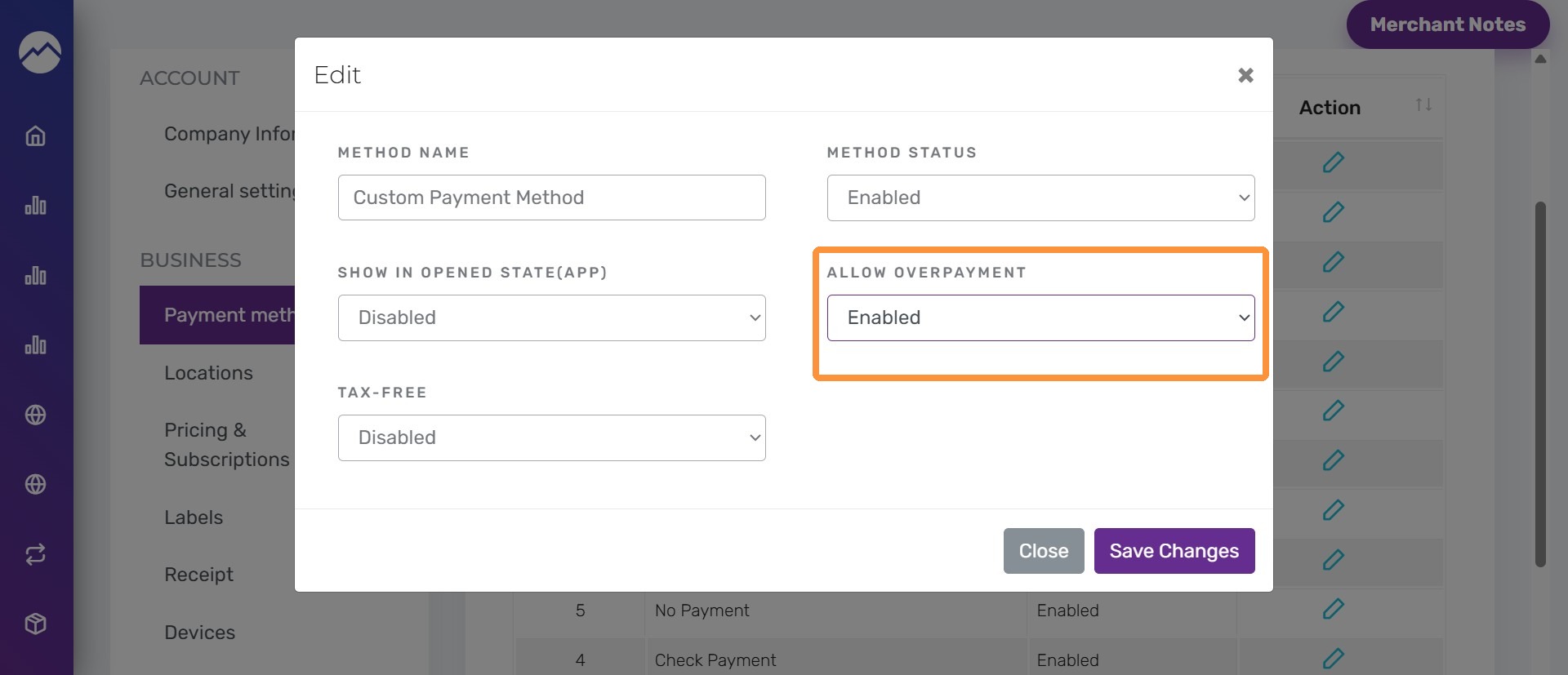
5. Click “Save Changes”