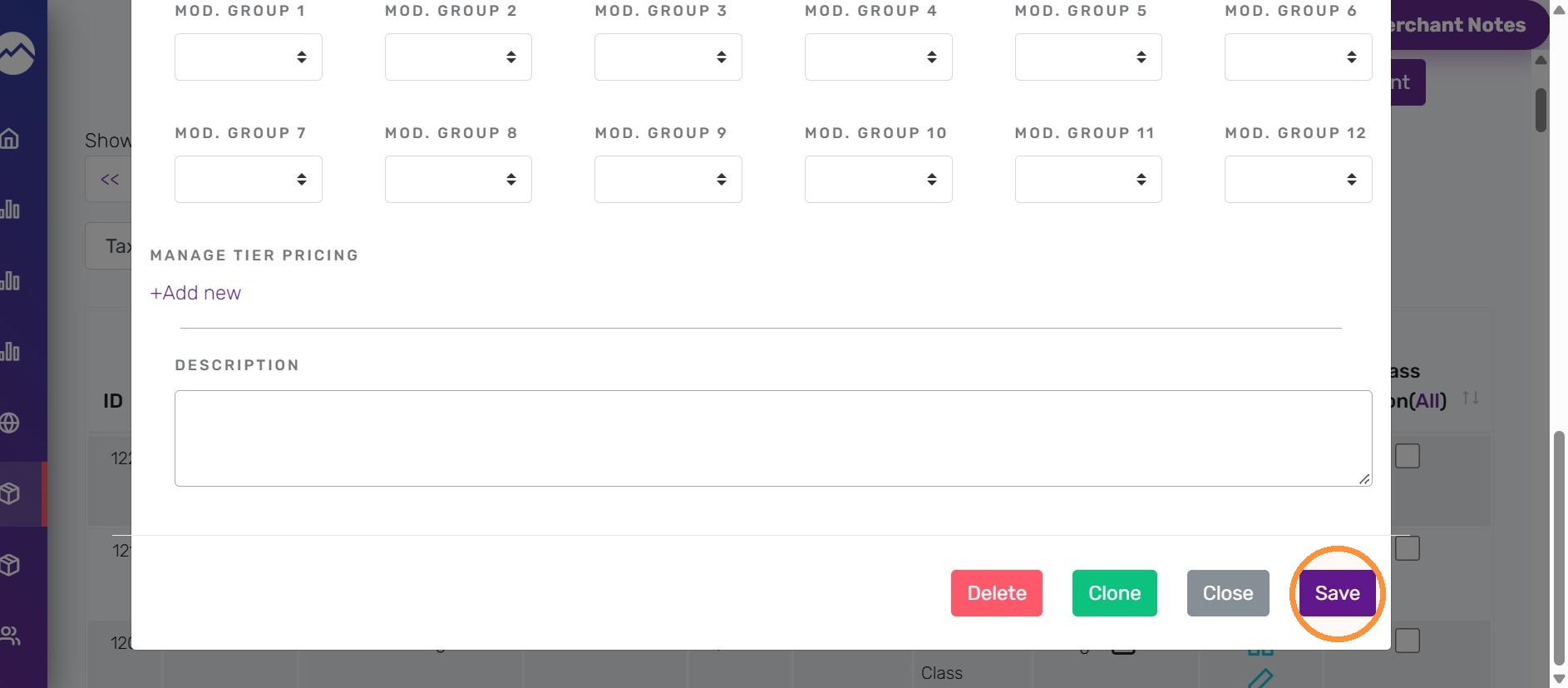


This guide shows how to restrict specific products or whole categories to cash payments only by enabling a Cash-Only setting. It walks you through where to turn on the Cash-Only feature for the Cash payment method, then how to mark individual items or categories so they’ll only be accepted with cash. Use it to prevent card or other non-cash payments for selected inventory.
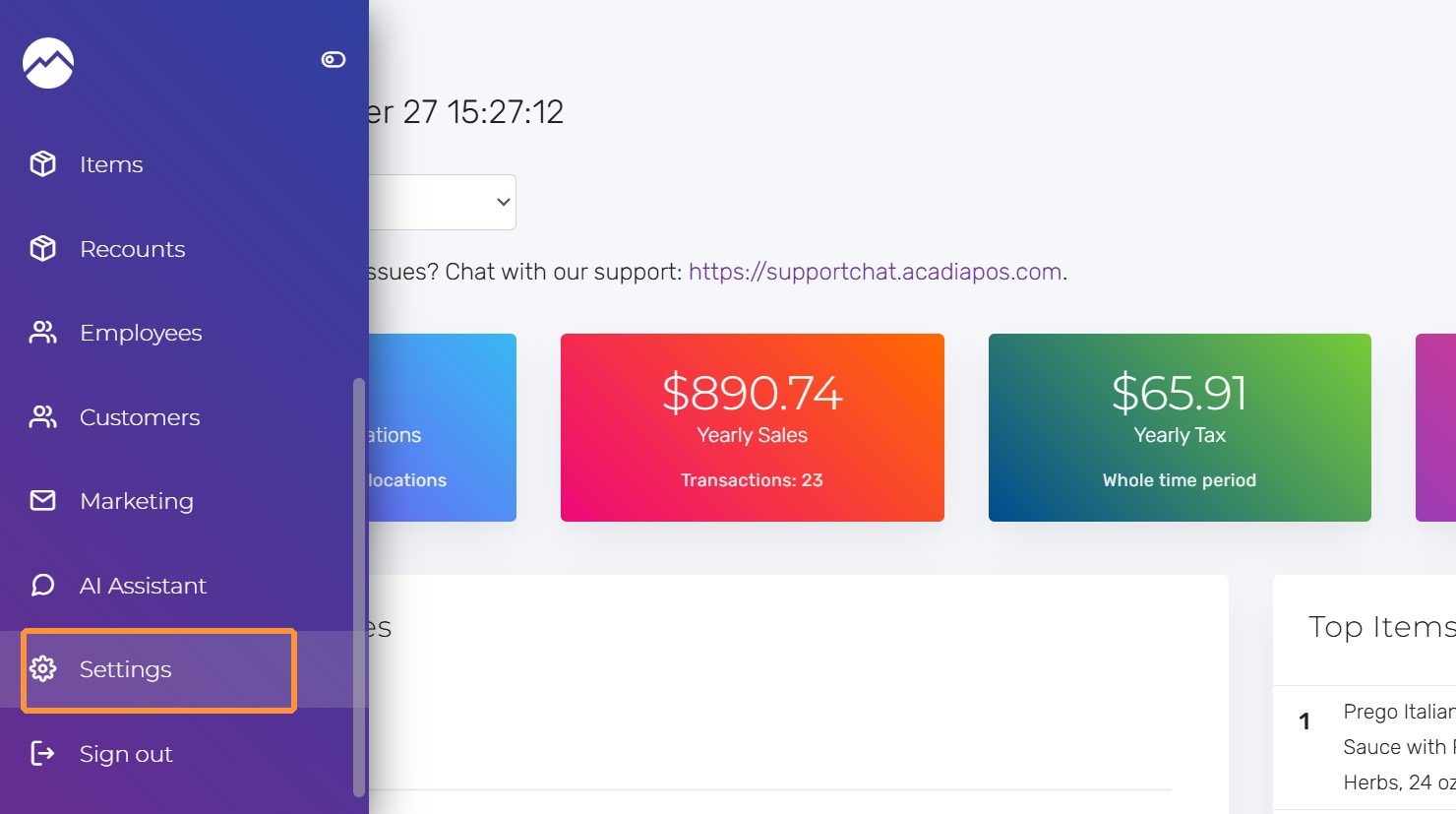
1. Navigate to manage.acadiapos.com for Retail or rfsm.acadiapos.com for Restaurant and click Settings in the sidebar menu.
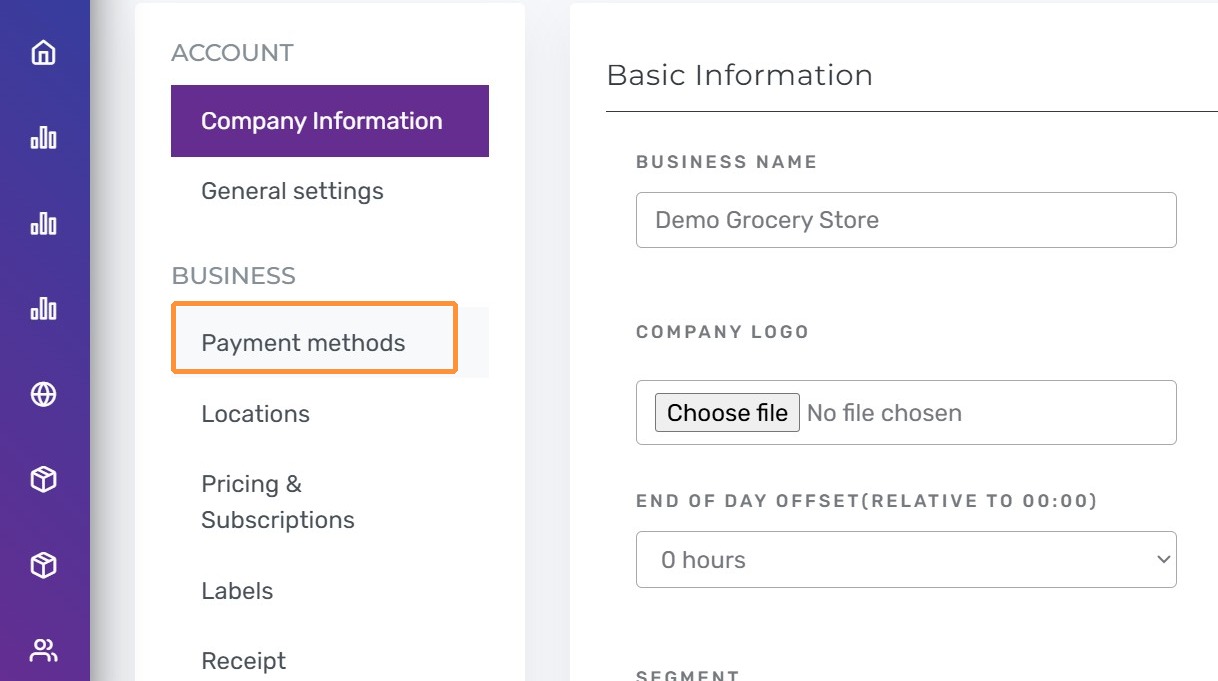
2. Click “Payment methods”
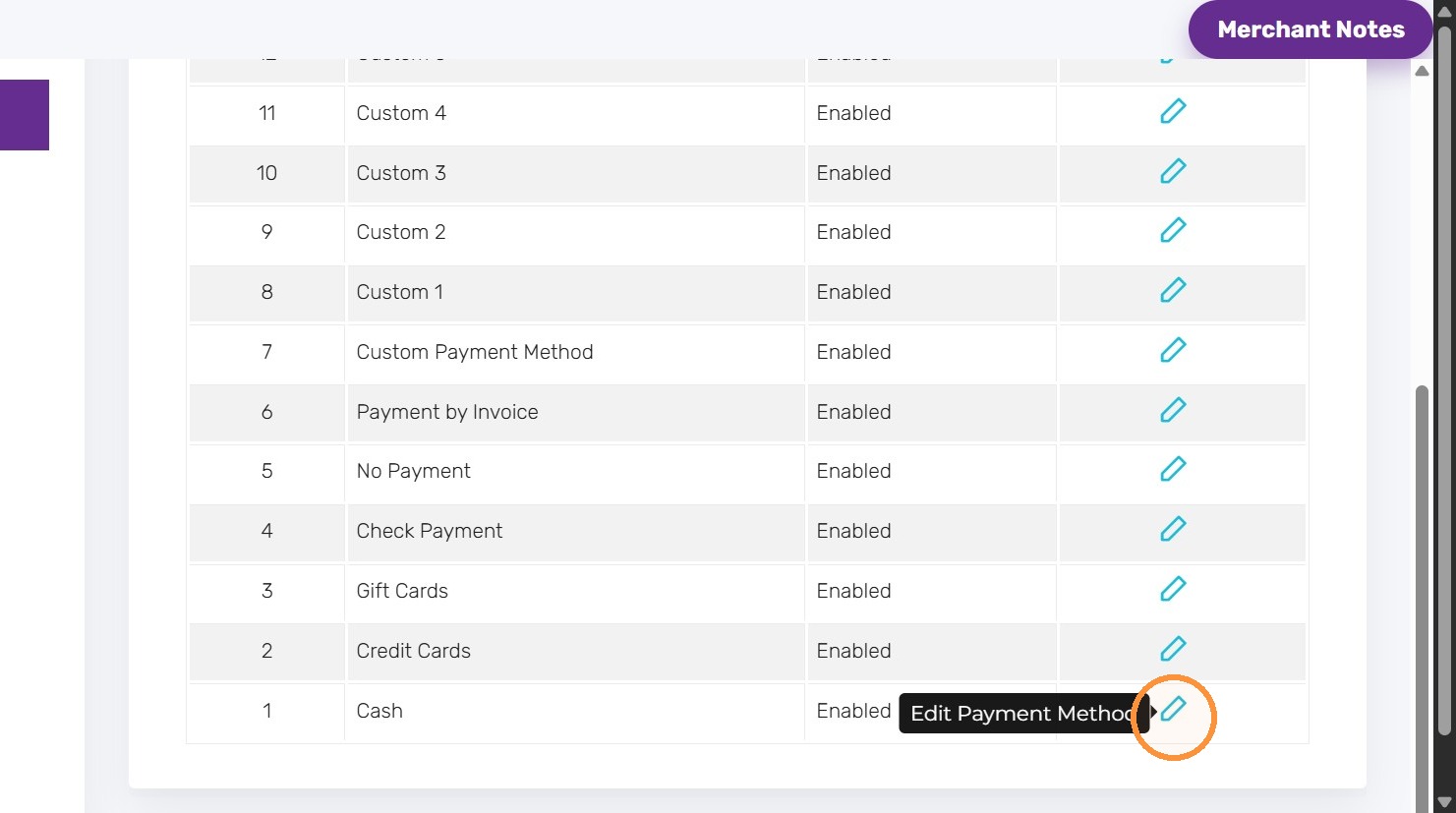
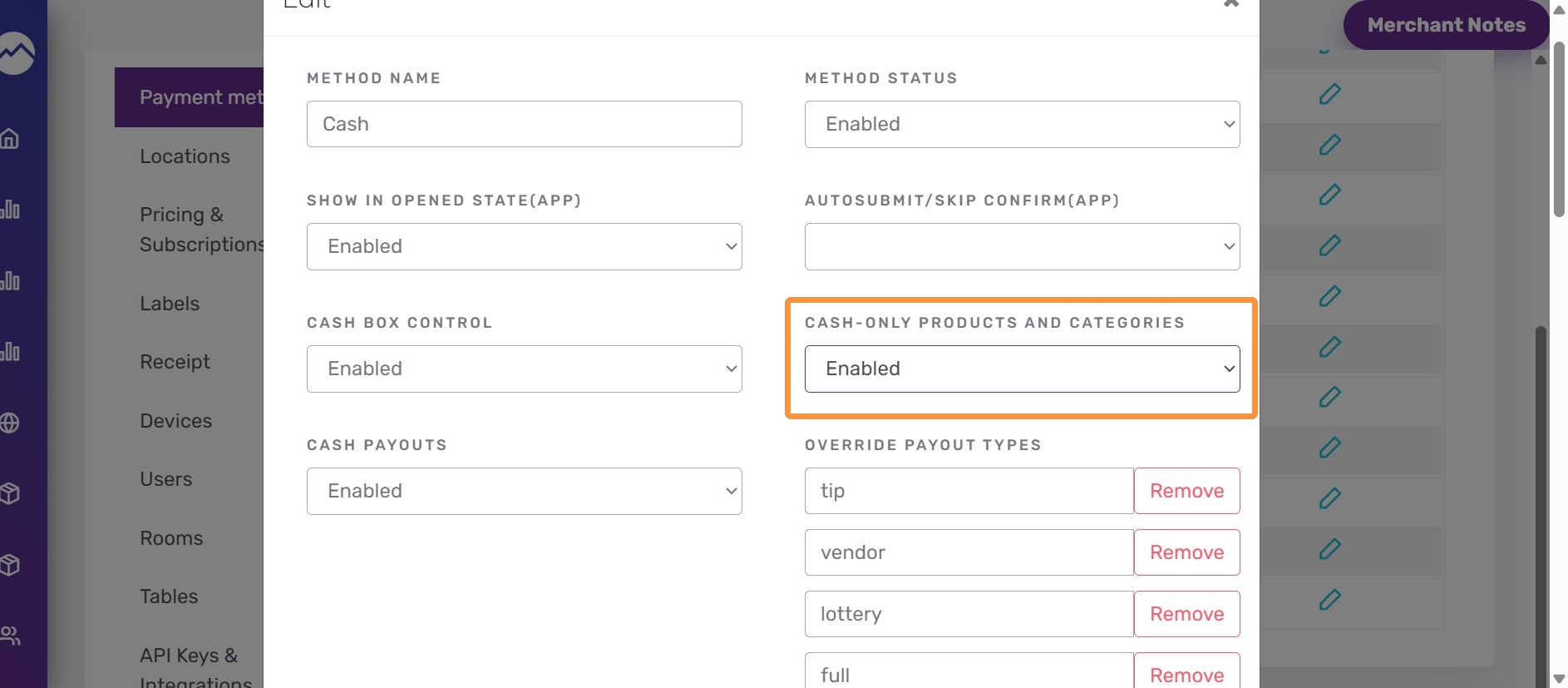
3. Click the Edit Payment Method icon for Cash.
4. Select “Enabled” for Cash-Only Products and Categories.
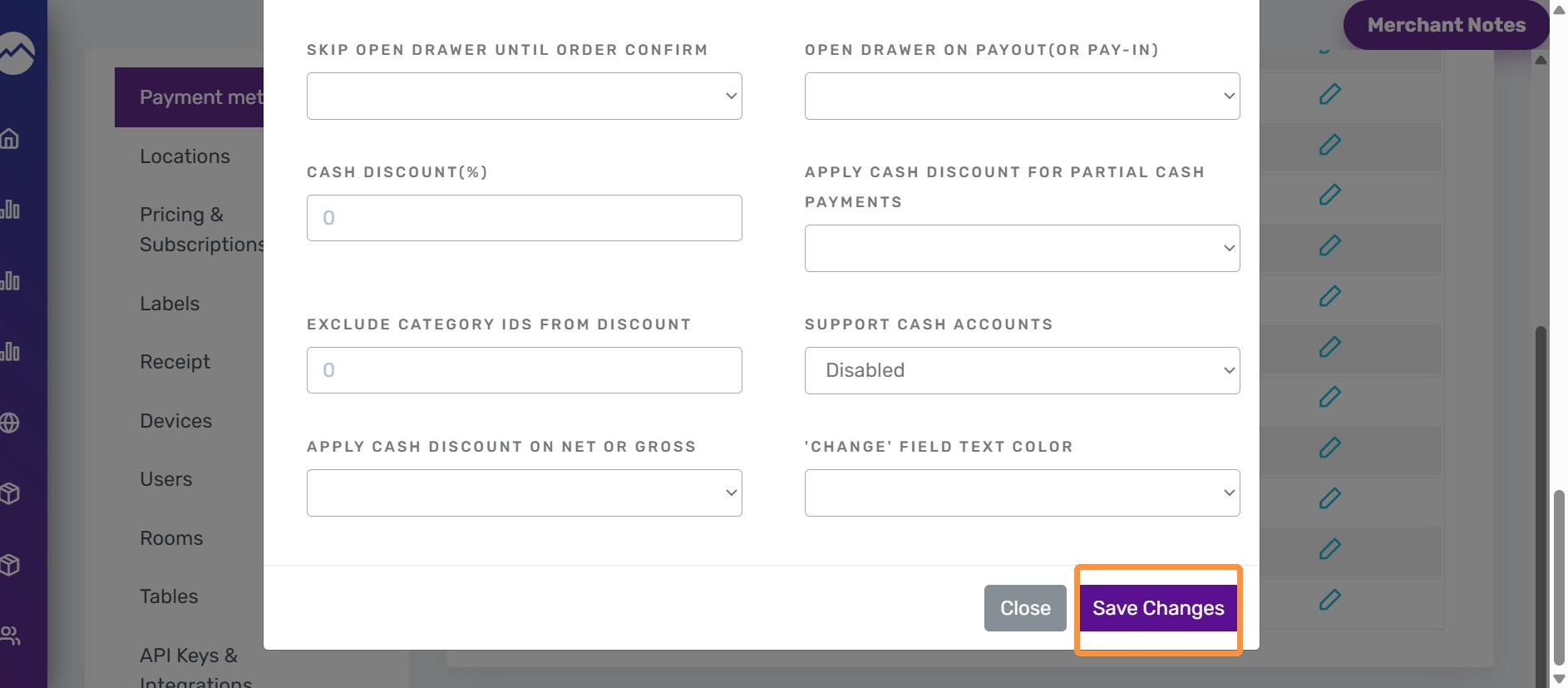
5. Click “Save Changes”
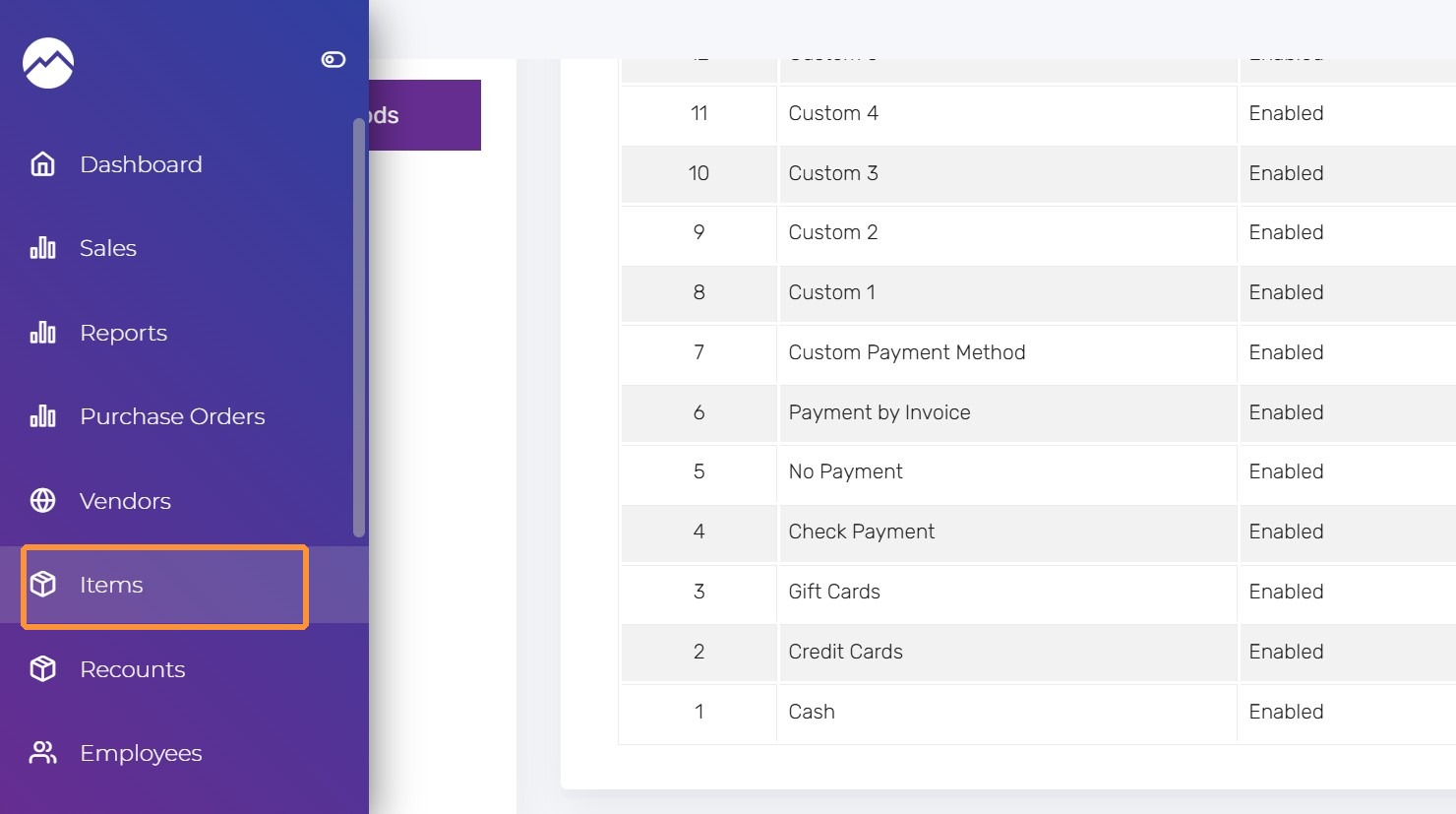
6. Click “Items”
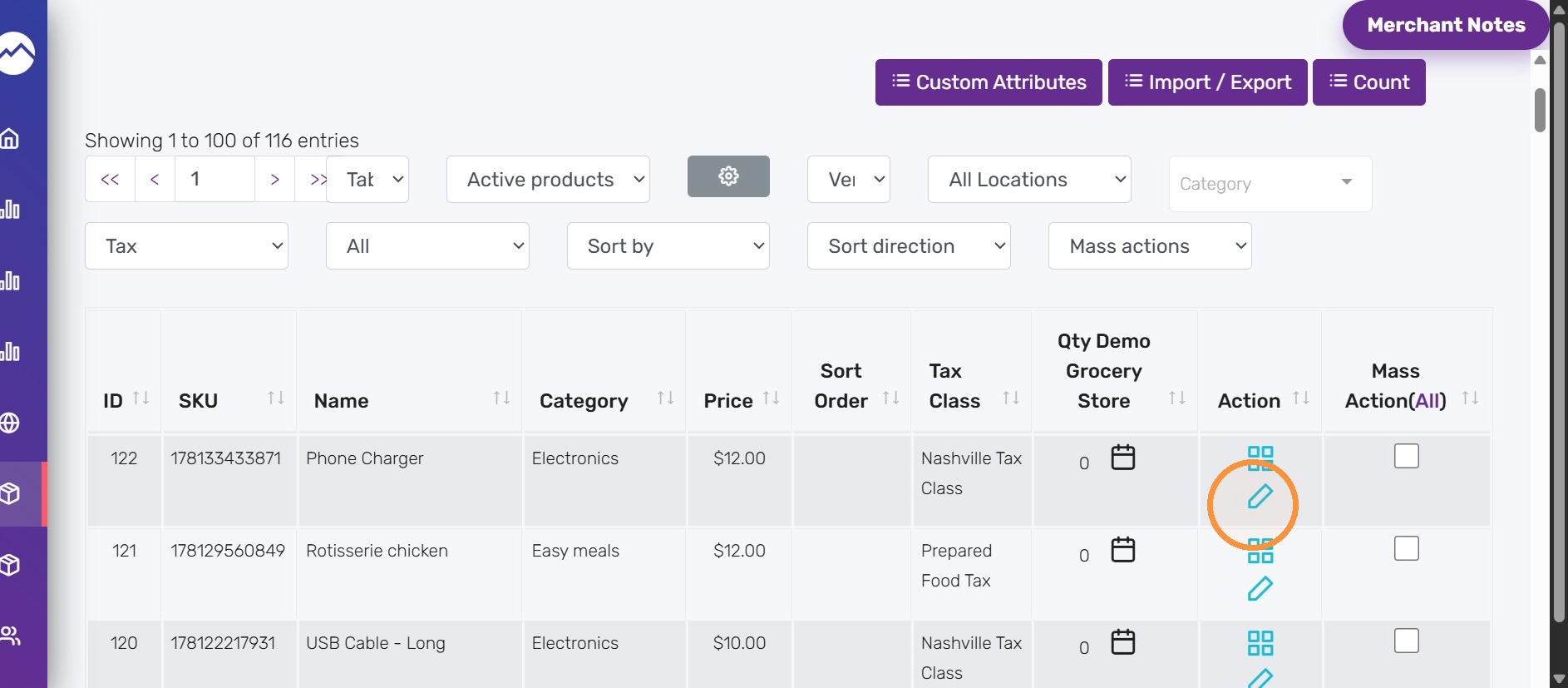
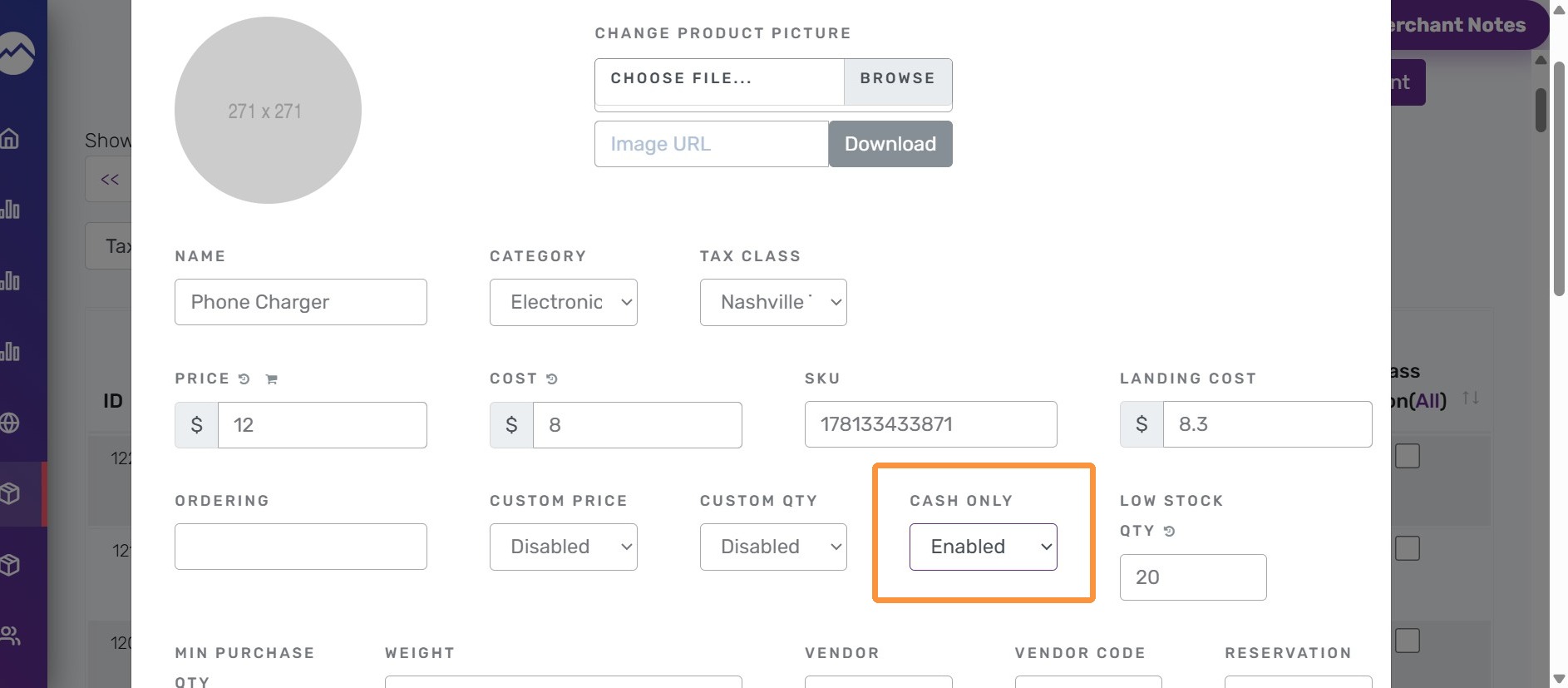
7. Edit the relevant products or categories
8. Select “Enabled” for the Cash Only
9. Click “Save”