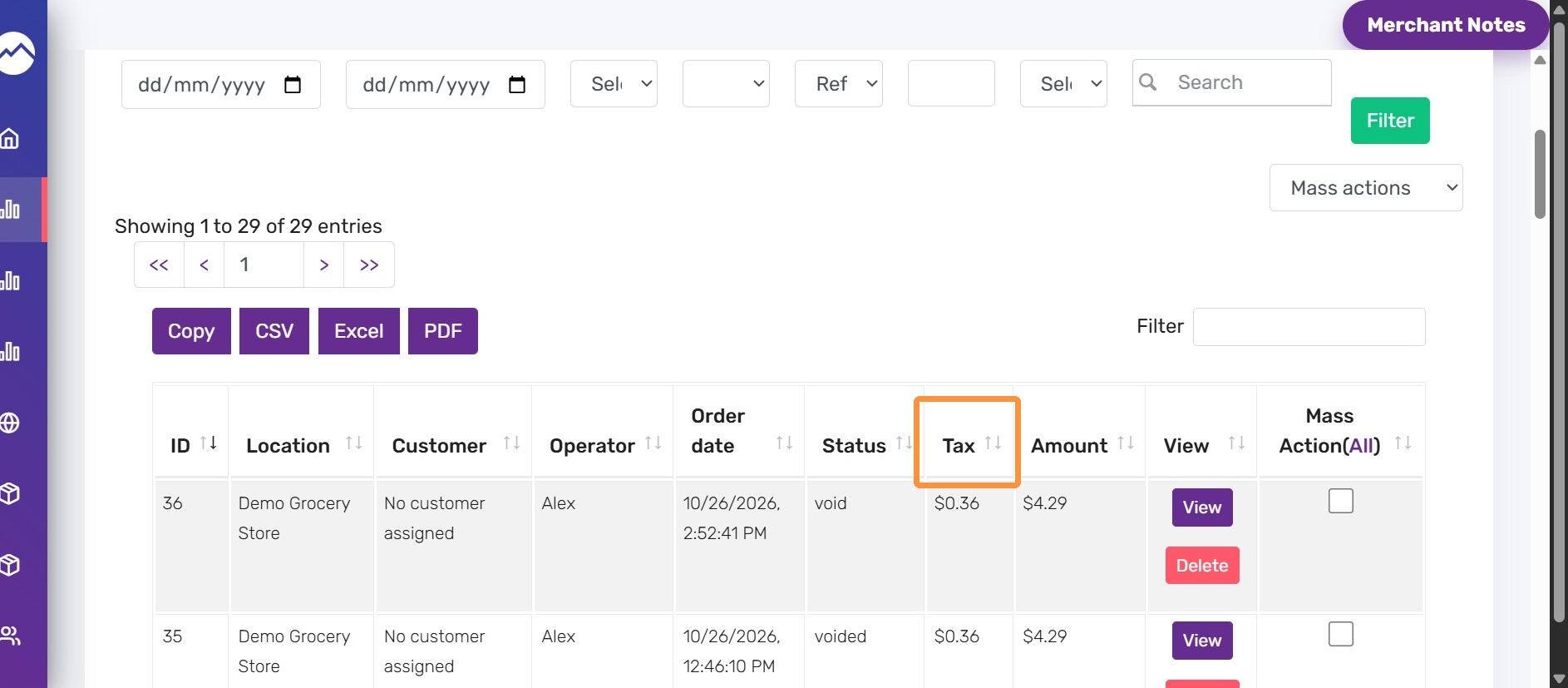


This guide quickly shows how to enable the “Show Tax On Orders List” setting so a tax column appears in your order list. Use it when you need clear tax details for reviewing orders.
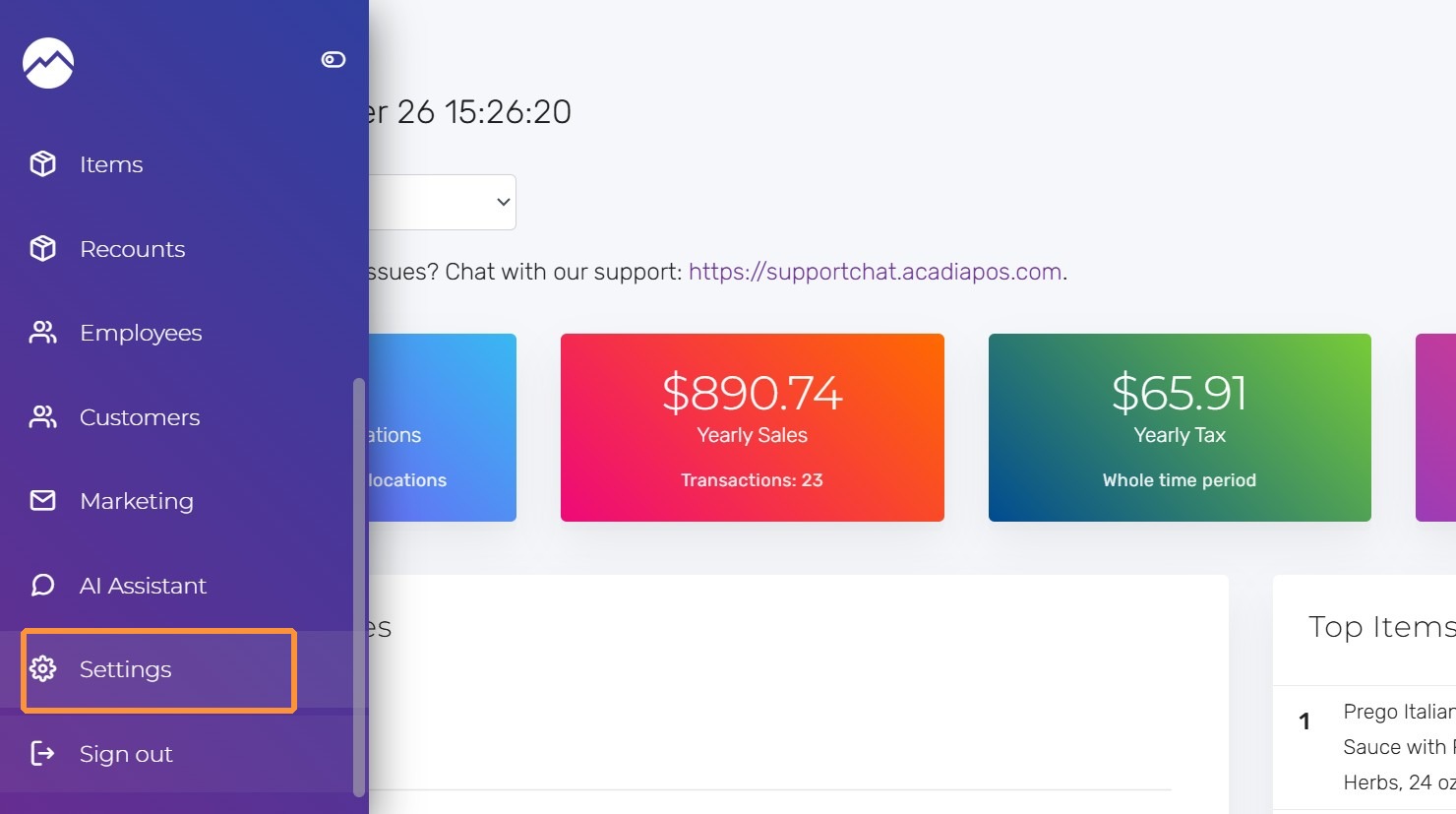
1. Navigate to manage.acadiapos.com for Retail or rfsm.acadiapos.com for Restaurant and click Settings in the sidebar menu.
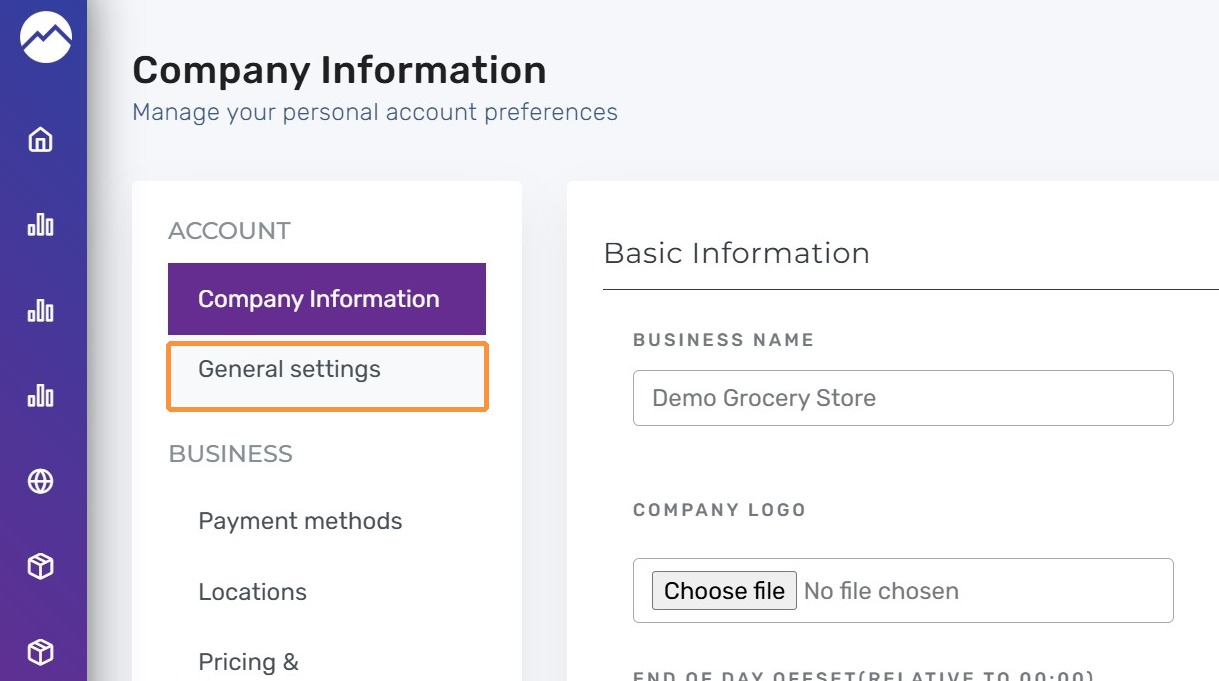
2. Click “General settings”
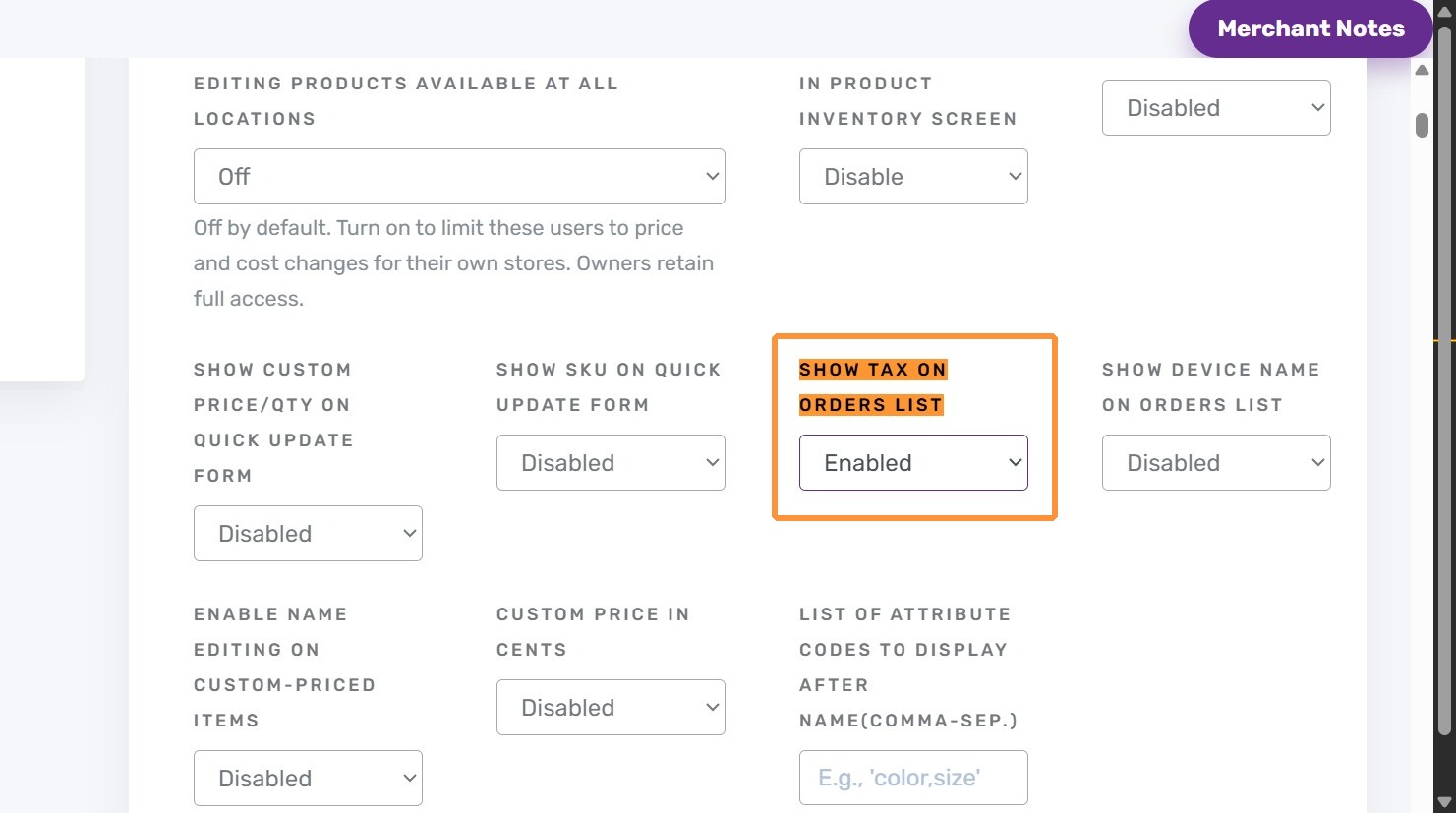
3. Press Ctrl + F (Windows) or ⌘ + F (Mac) and find “Show Tax On Orders List”.
Select “Enabled” for Show Tax on Orders List.
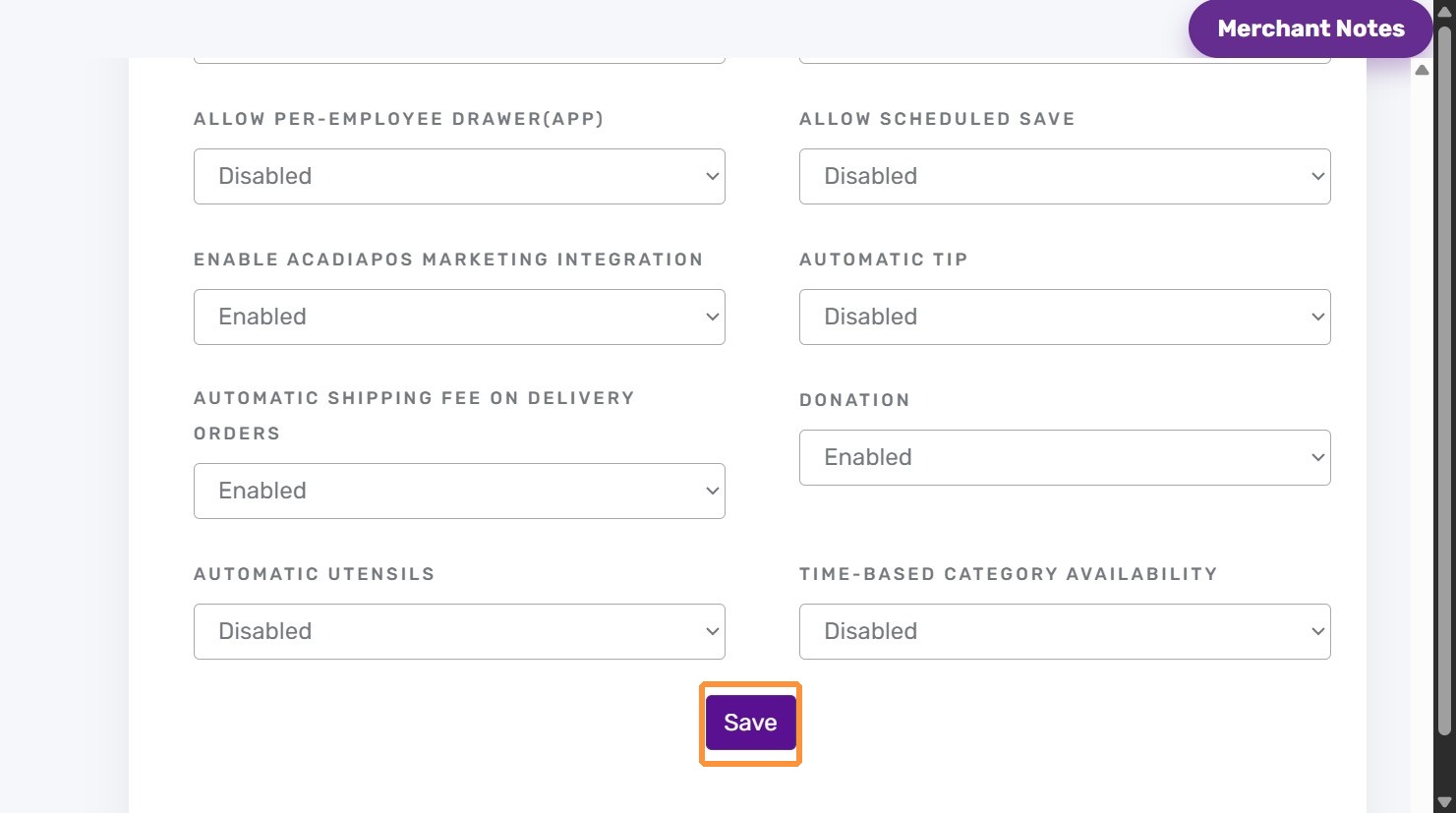
4. Click “Save”
5. Now you should be able to see tax column in the order list. It helps when details are needed for review.