

This guide shows how to quickly remove products from your catalog by using the mass-action delete workflow. Deleting a product or category moves it to an archive. Archived entries disappear from the active lists and can be restored later.
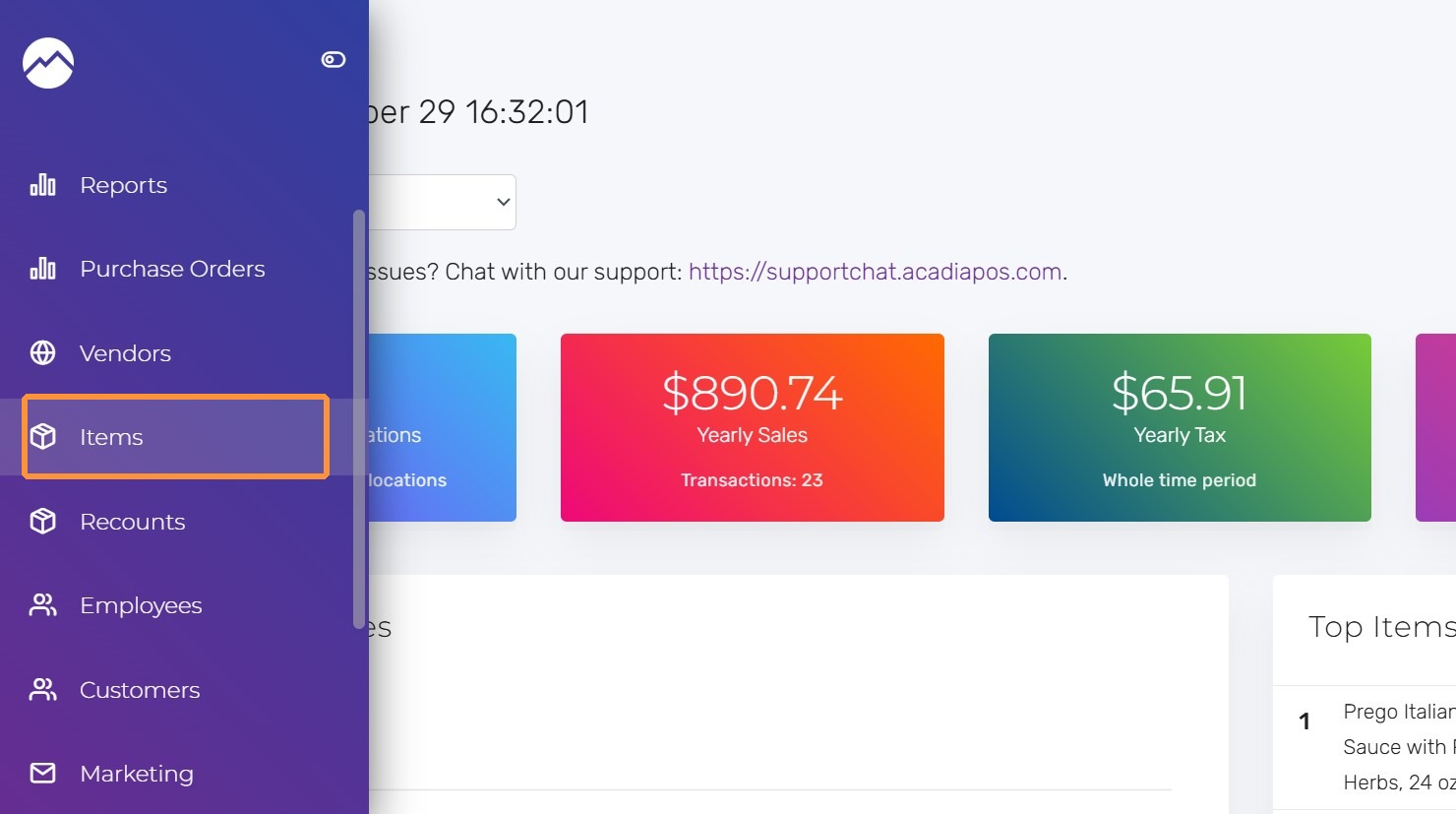
1. Navigate to manage.acadiapos.com for Retail or rfsm.acadiapos.com for Restaurant and click Items in the sidebar menu.
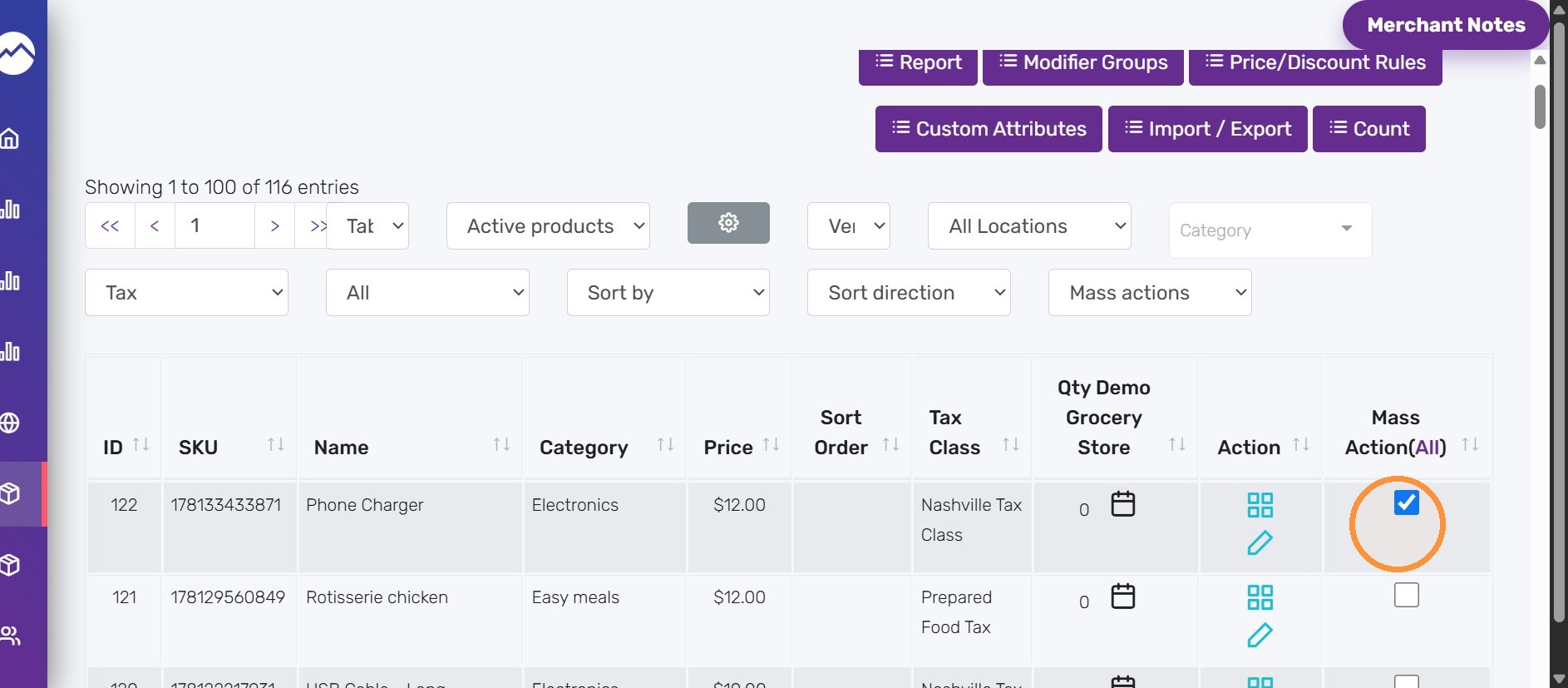
2. Click the product’s mass-action checkbox you want to archive
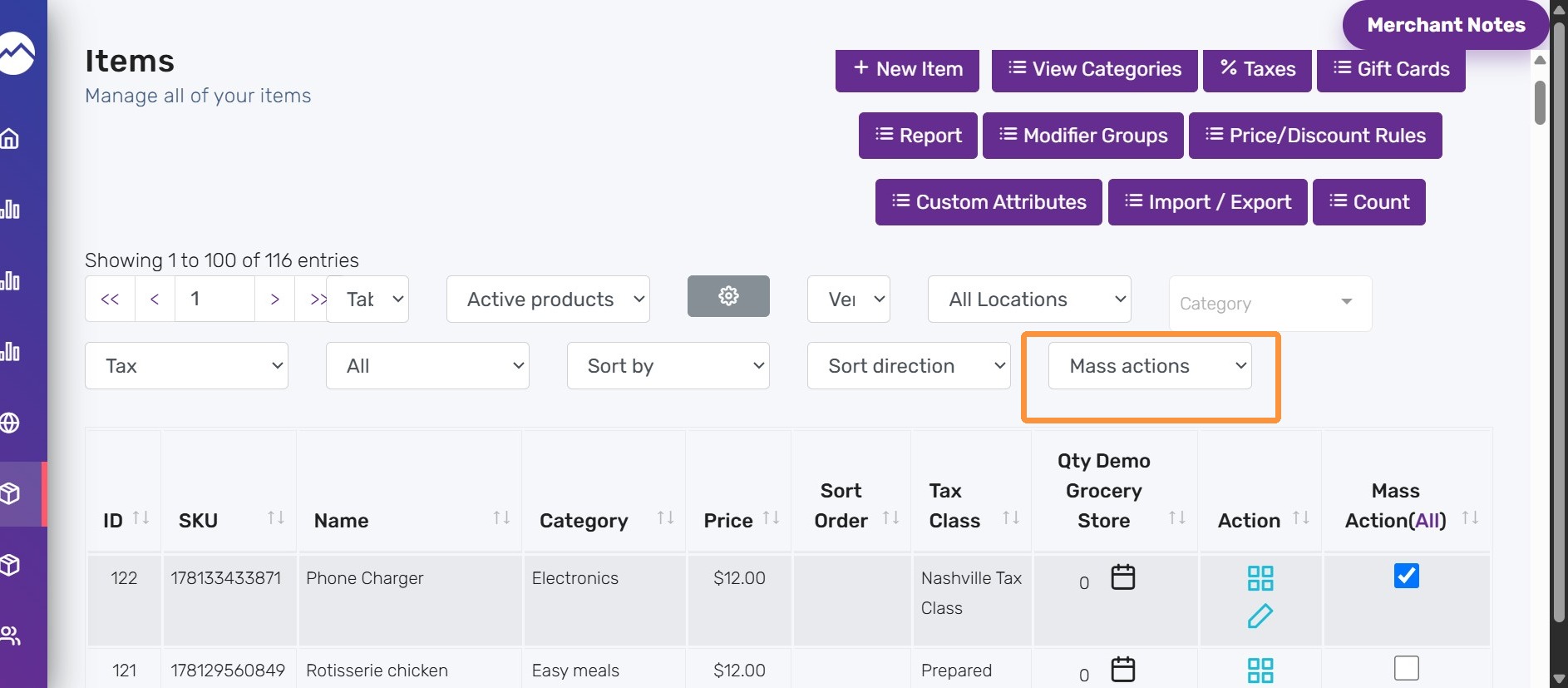
3. Open the mass action dropdown and choose Delete action
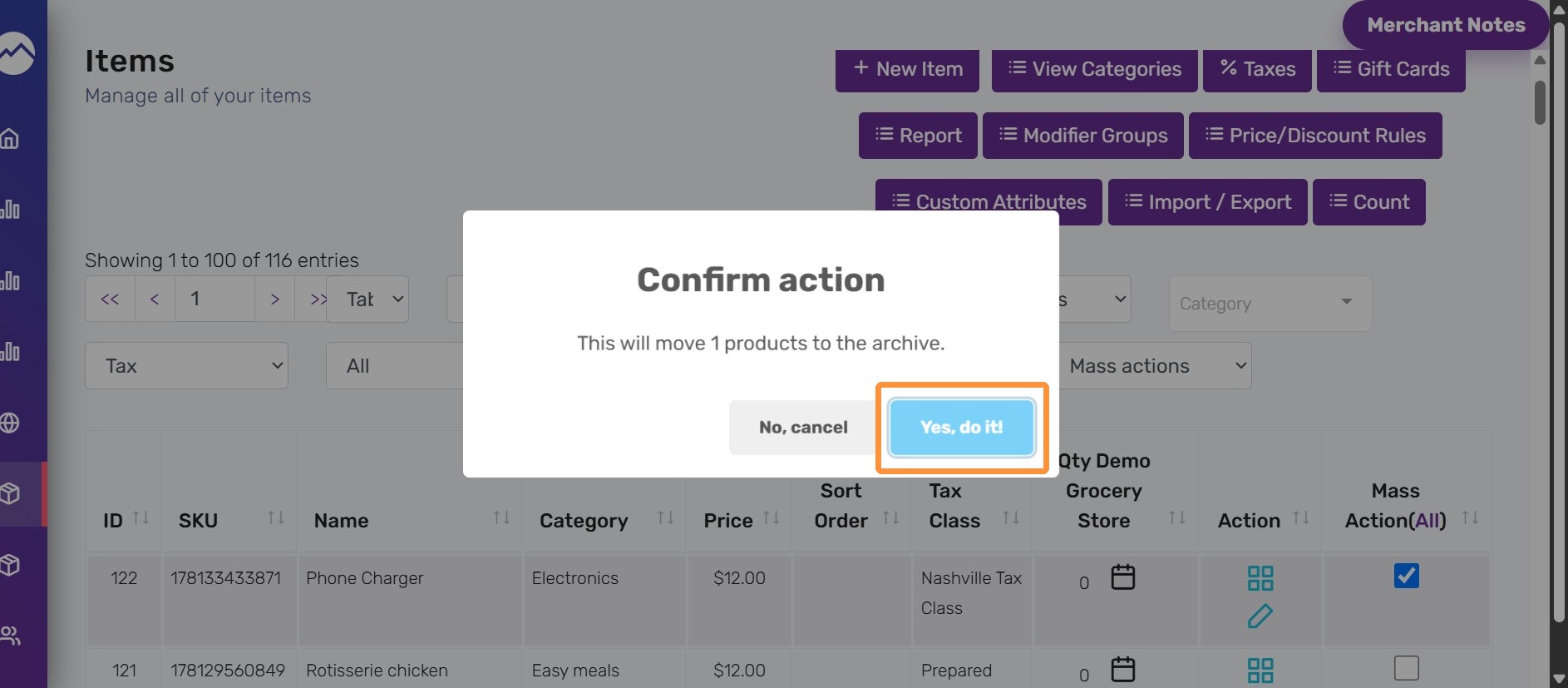
4. Click “Yes, do it!”
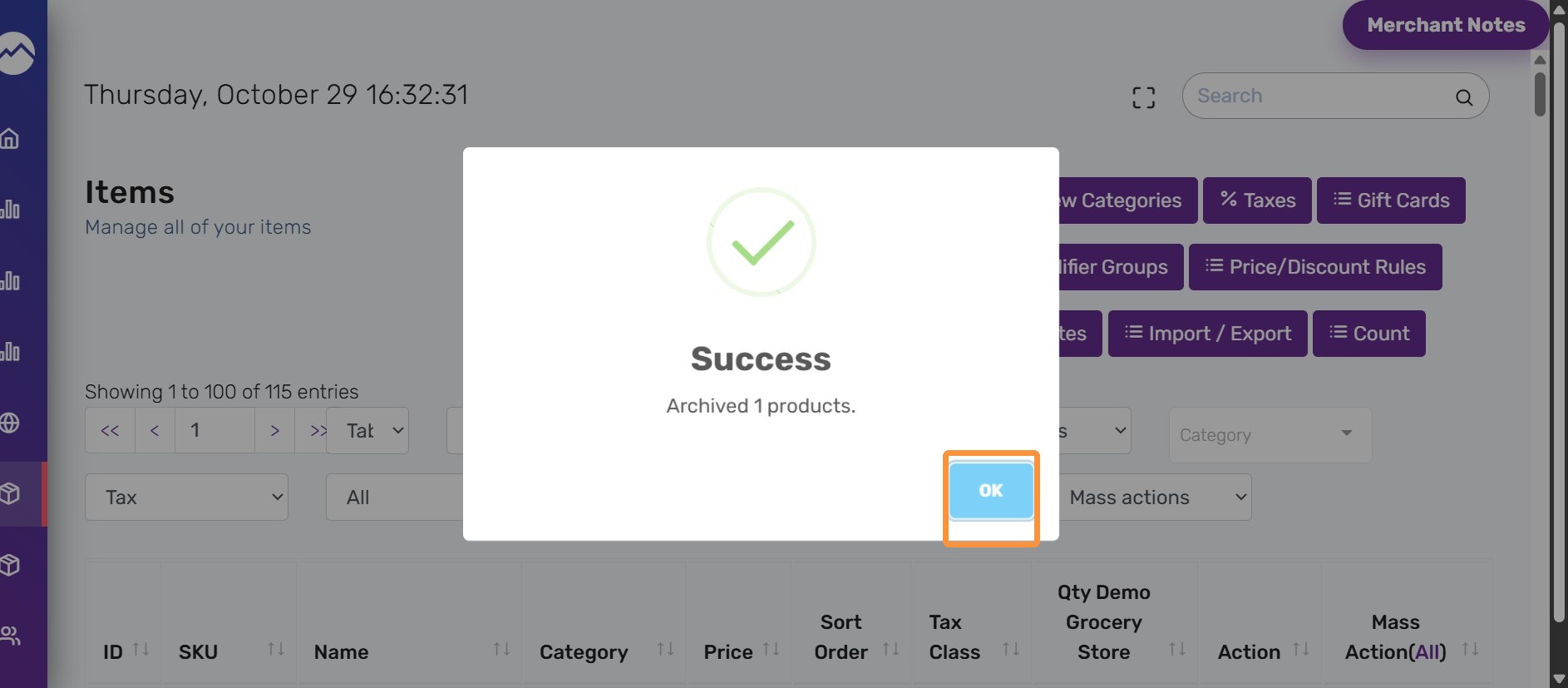
5. Click “Ok”