

This guide quickly shows how to recover products that were archived. It explains where to find archived items and the few clicks needed to restore them. Use it to undo accidental archives and get items back active fast.
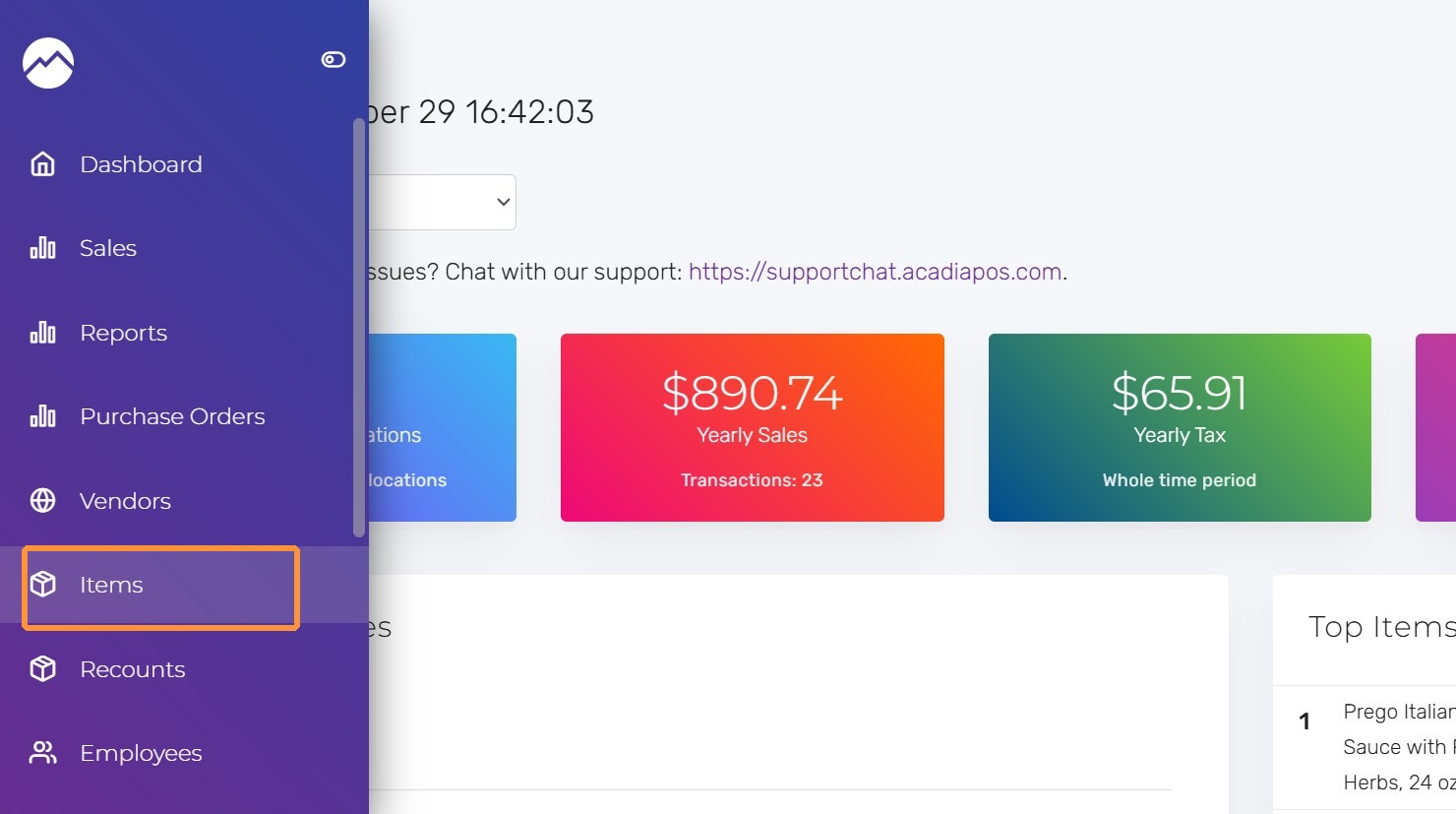
1. Navigate to manage.acadiapos.com for Retail or rfsm.acadiapos.com for Restaurant and click Items in the sidebar menu.
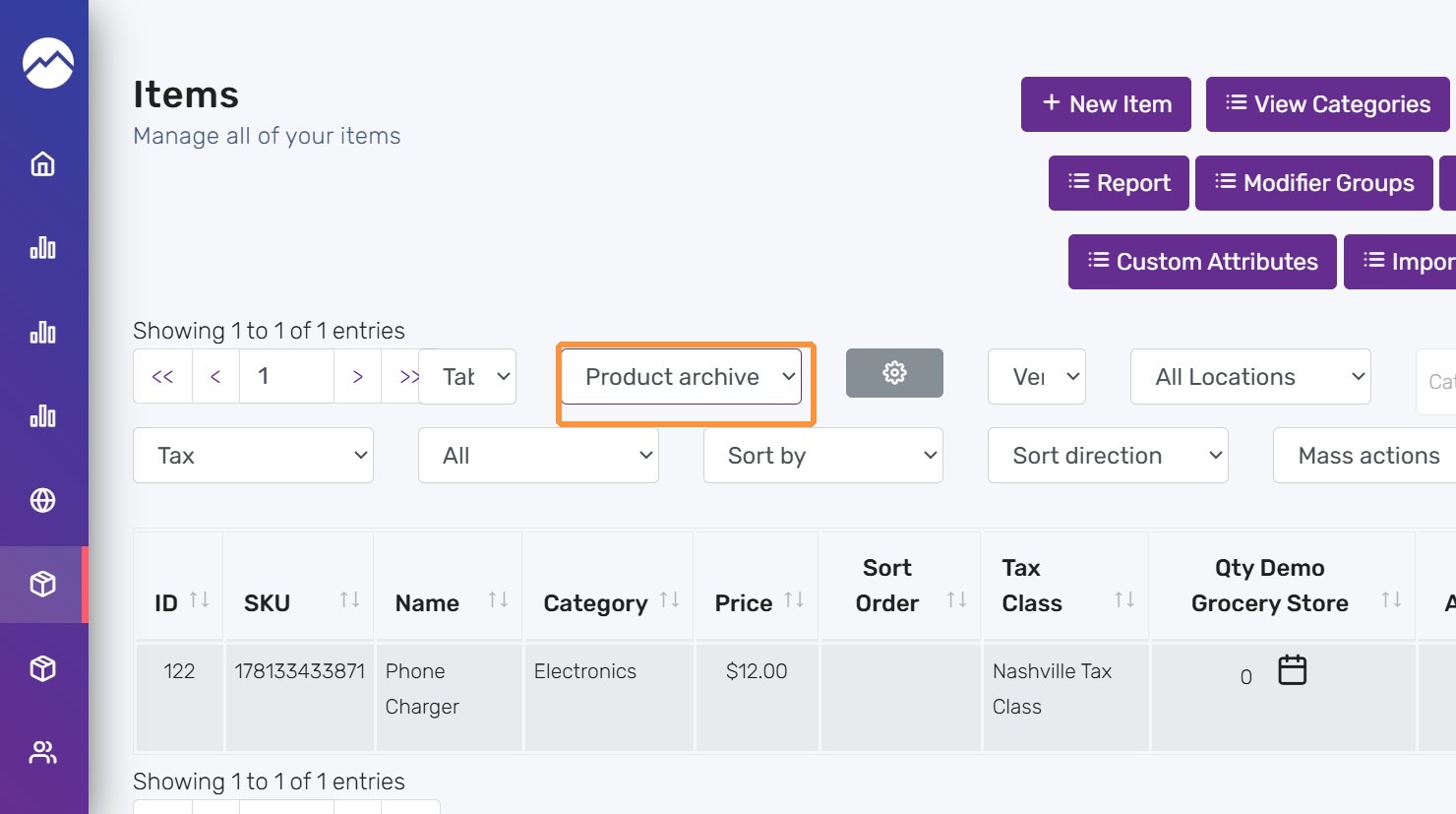
2. Change the Active products to Product archive, or Active categories to Category archive
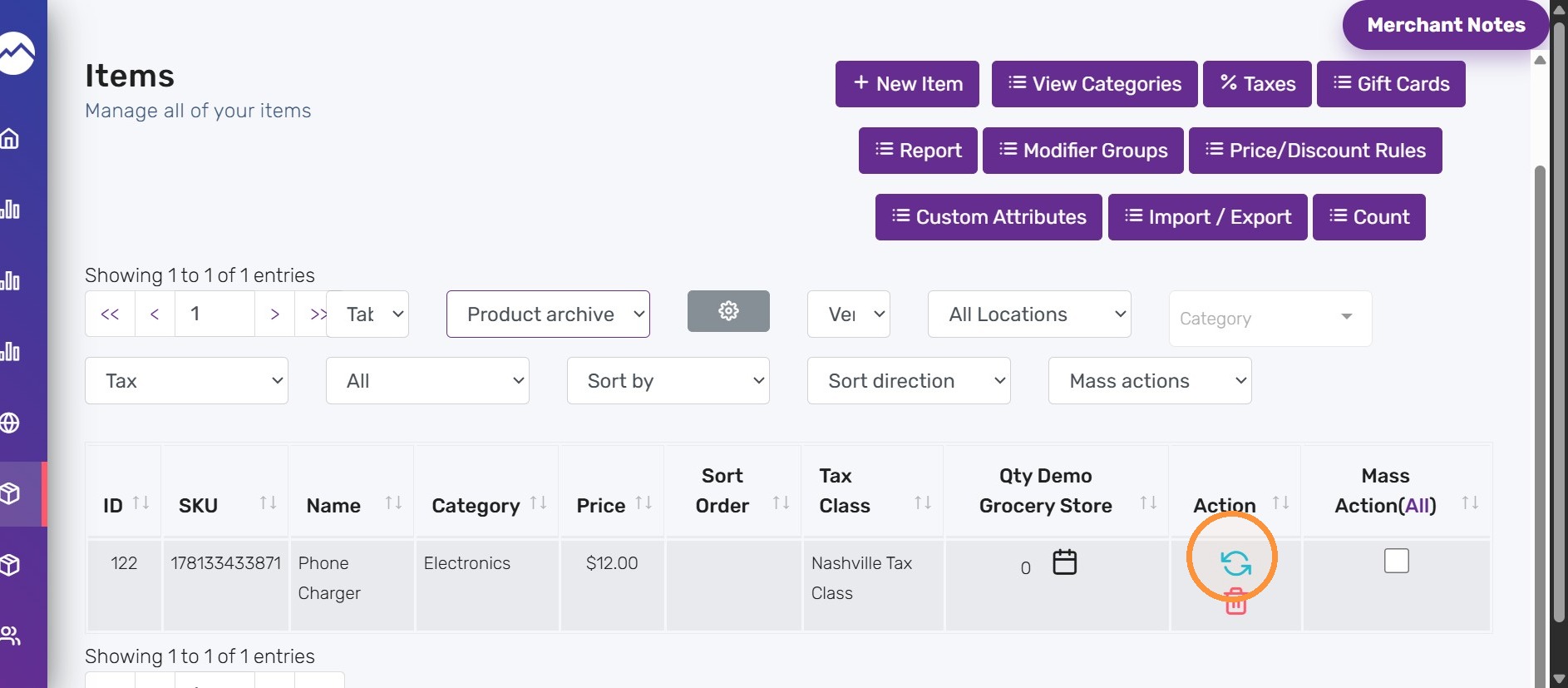
3. Click the Product’s Restore action.
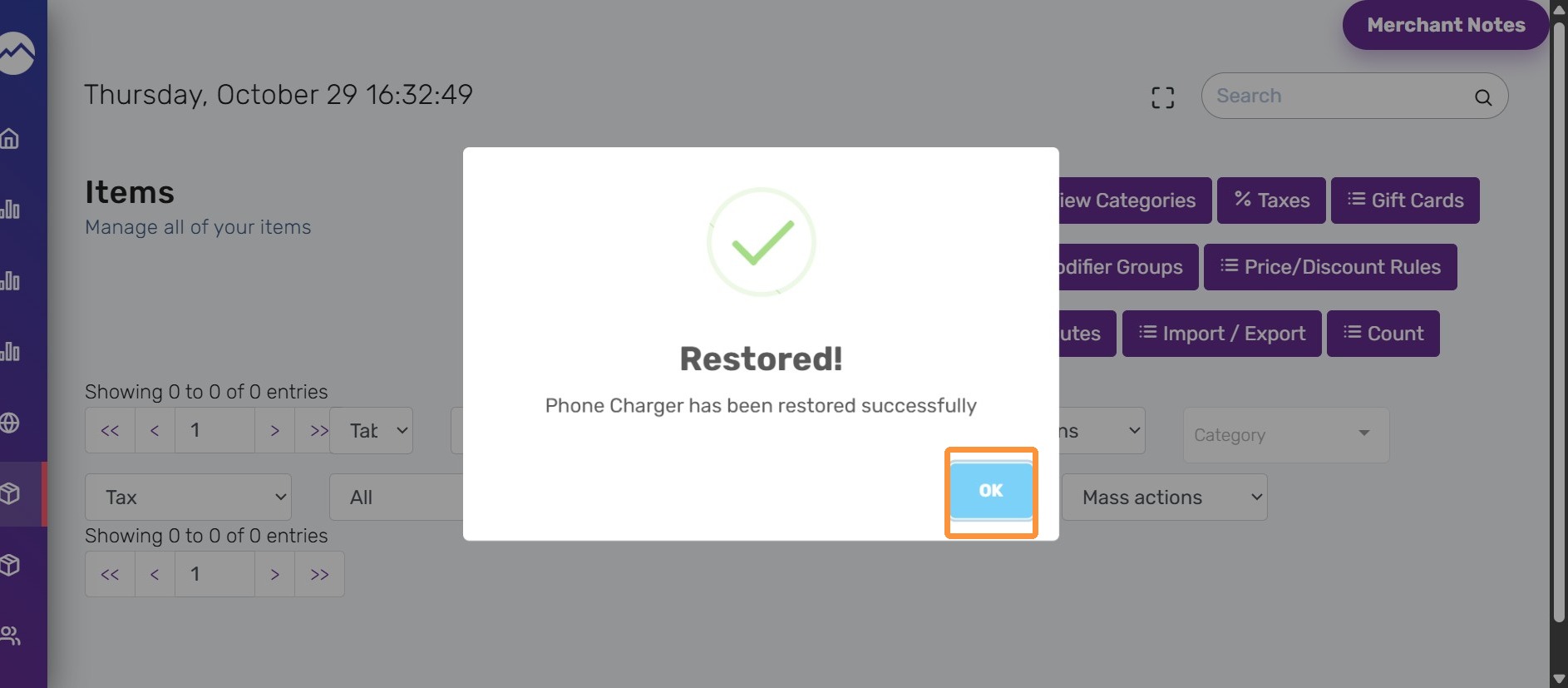
4. Click “OK”
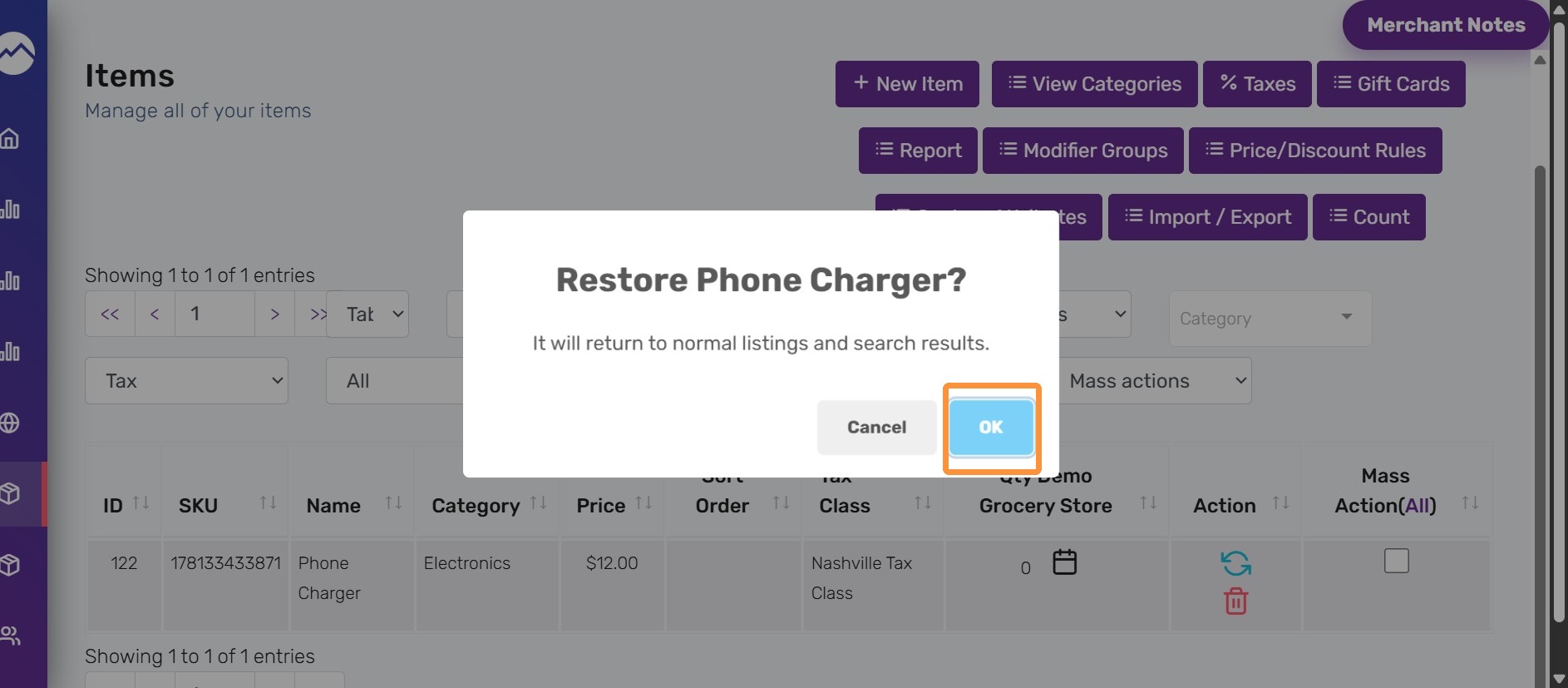
5. Click “OK” again to close the popup.