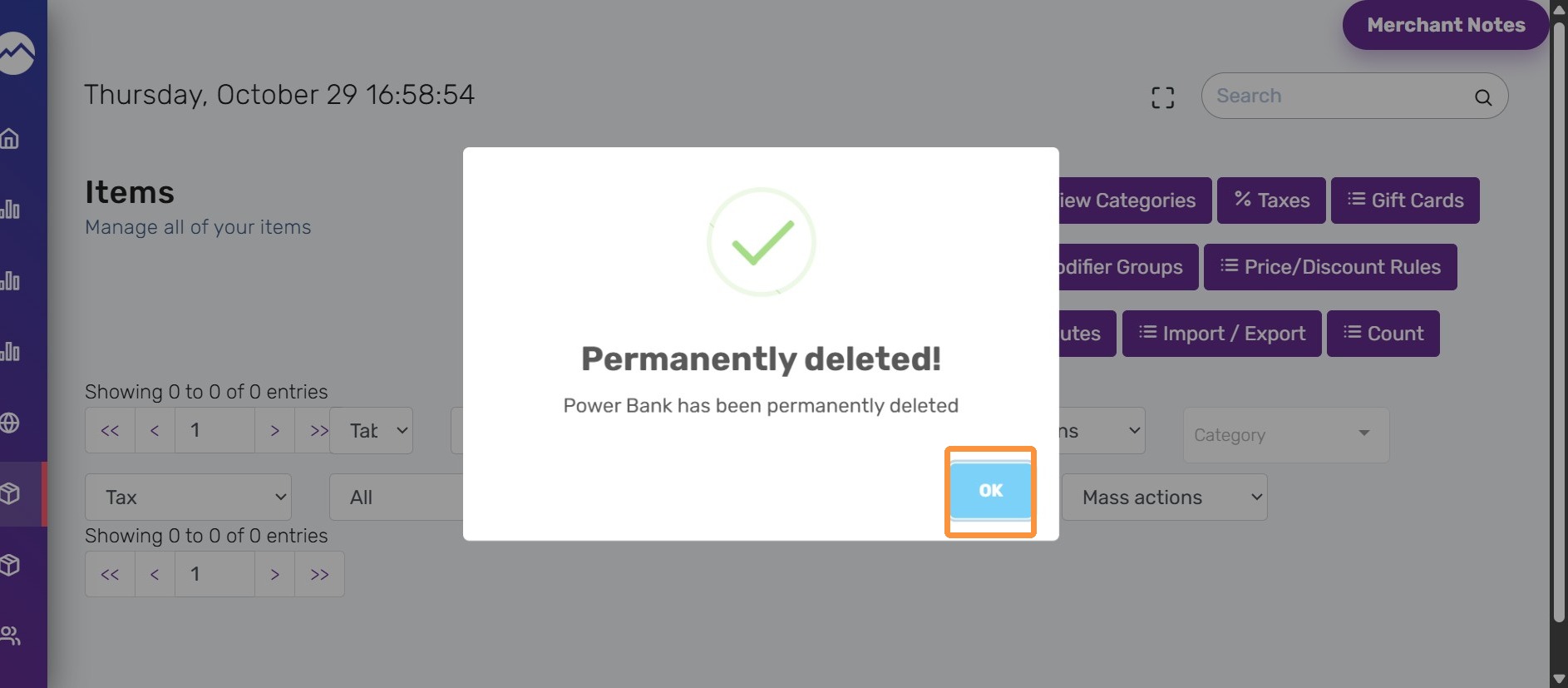


This guide shows the exact steps to find and permanently remove archived products. Use permanently delete product or permanently delete category inside the archive only when the entry is no longer needed. Permanent deletion cannot be undone through the archive.
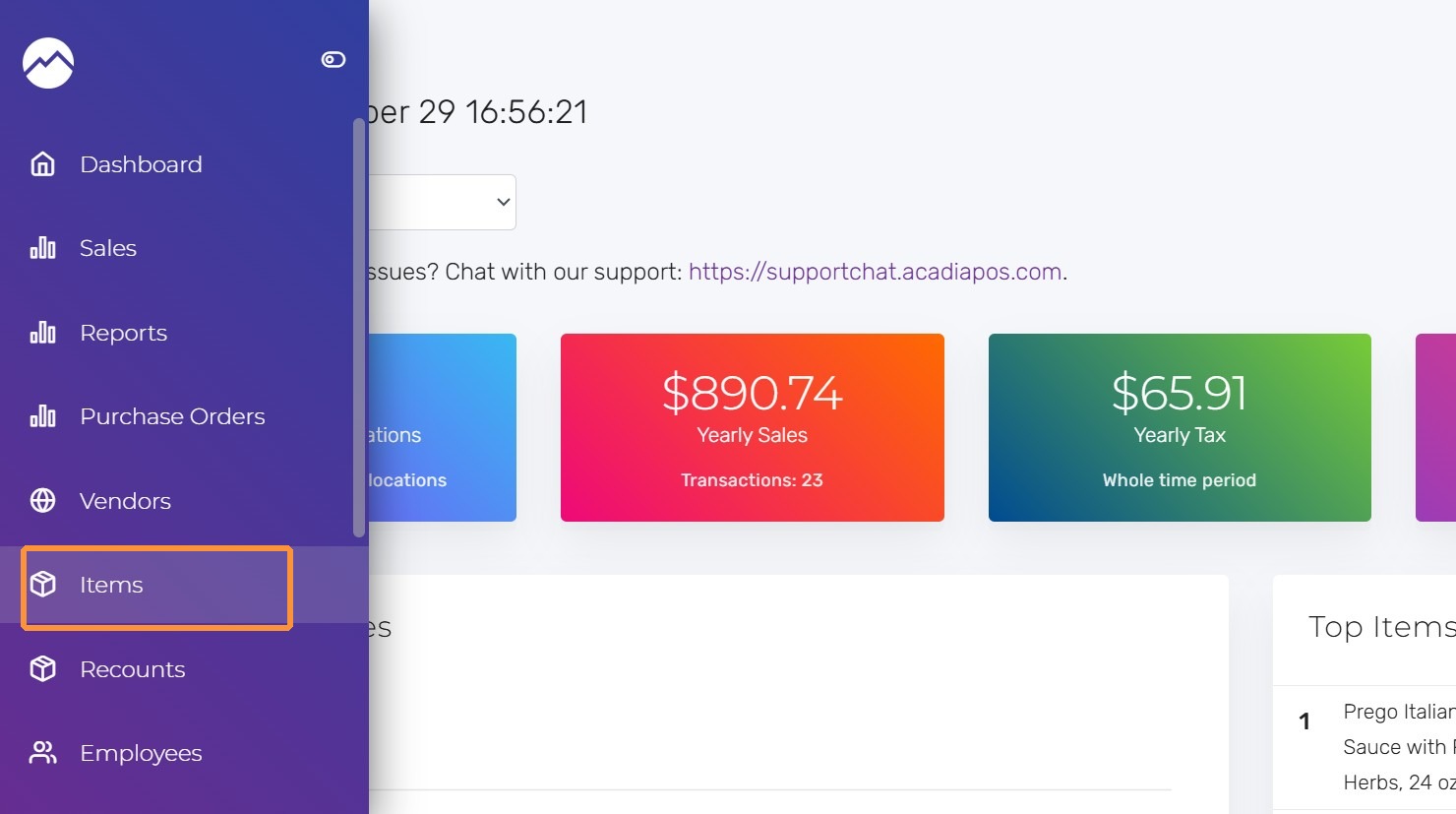
1. Navigate to manage.acadiapos.com for Retail or rfsm.acadiapos.com for Restaurant and click Items in the sidebar menu.
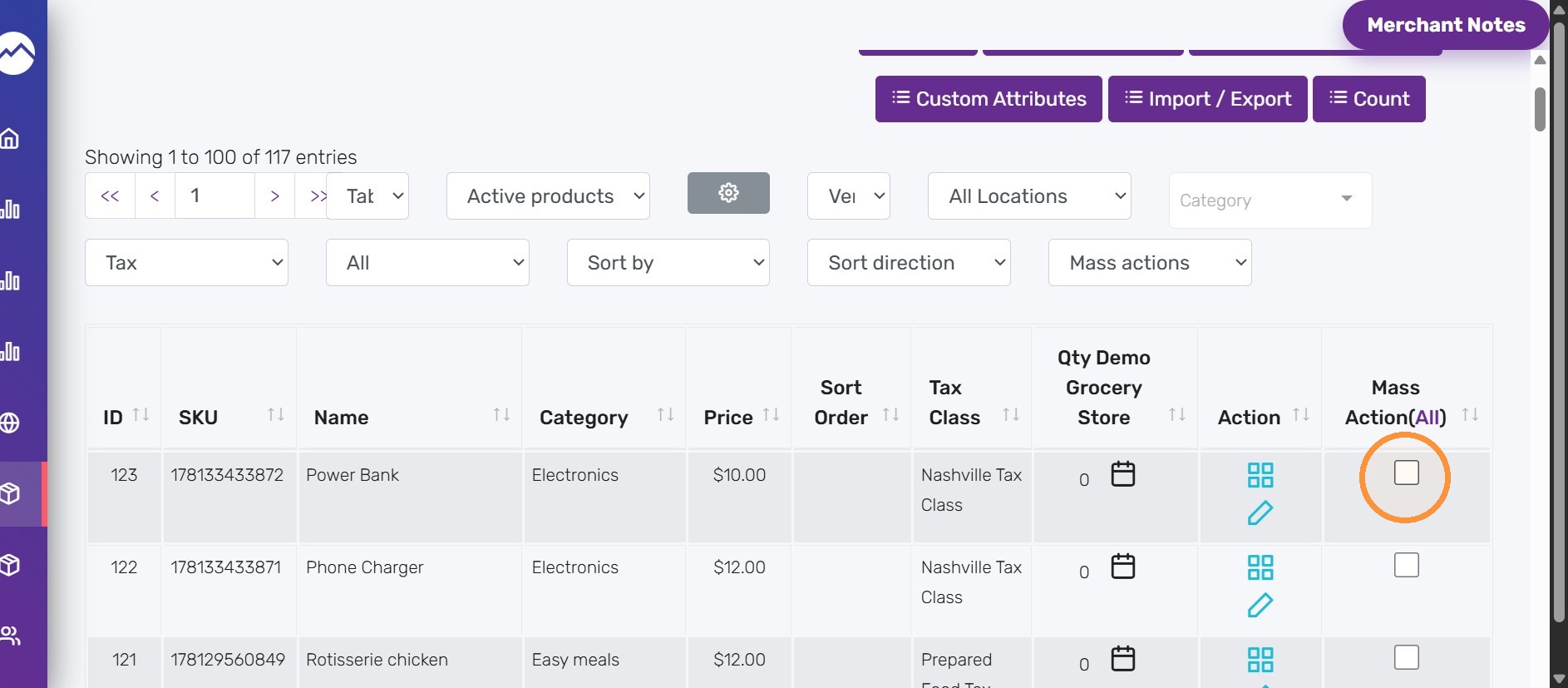
2. Select the checkbox for the product you want to permanently delete
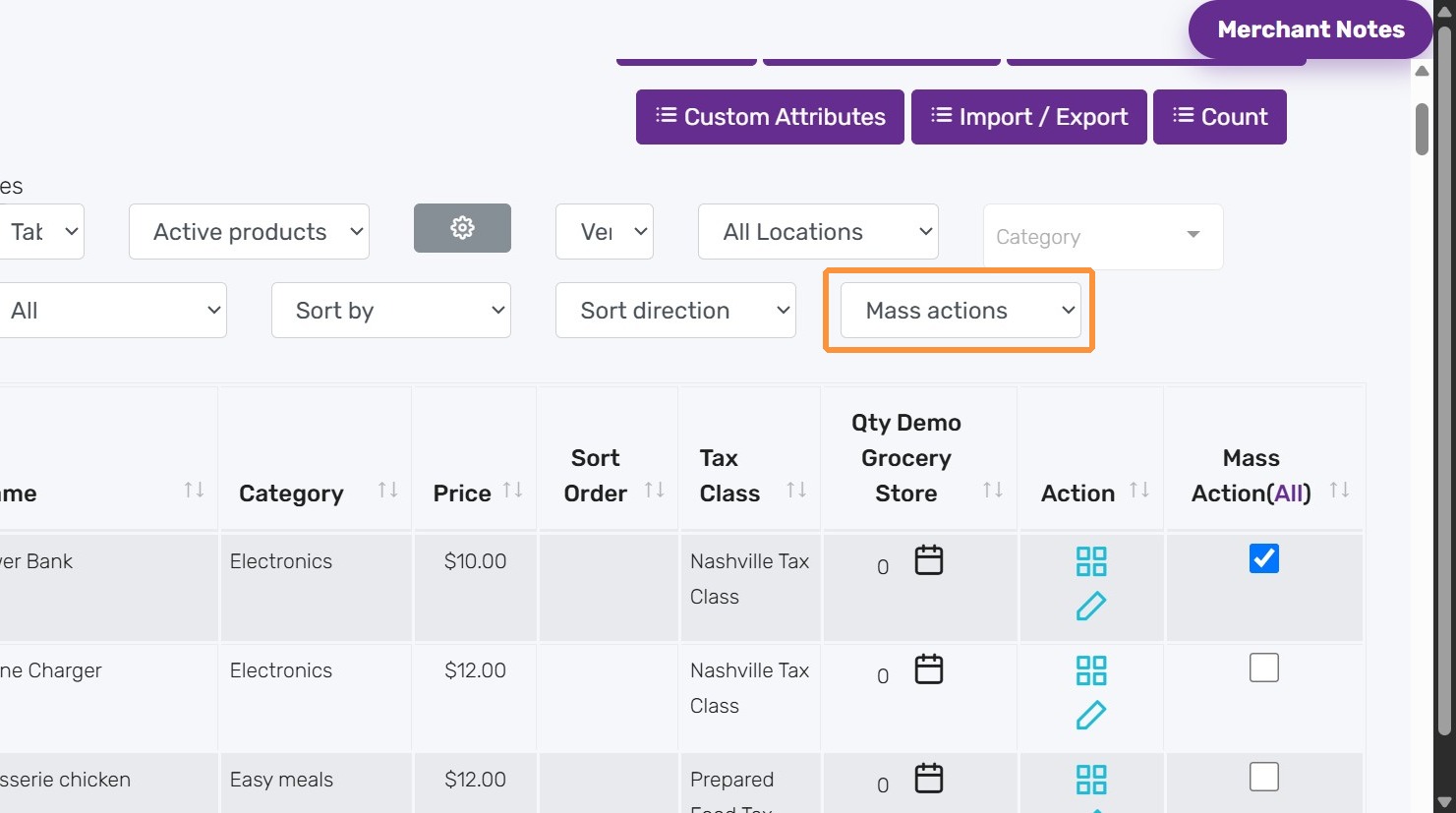
3. Open the Mass actions dropdown and choose the delete action
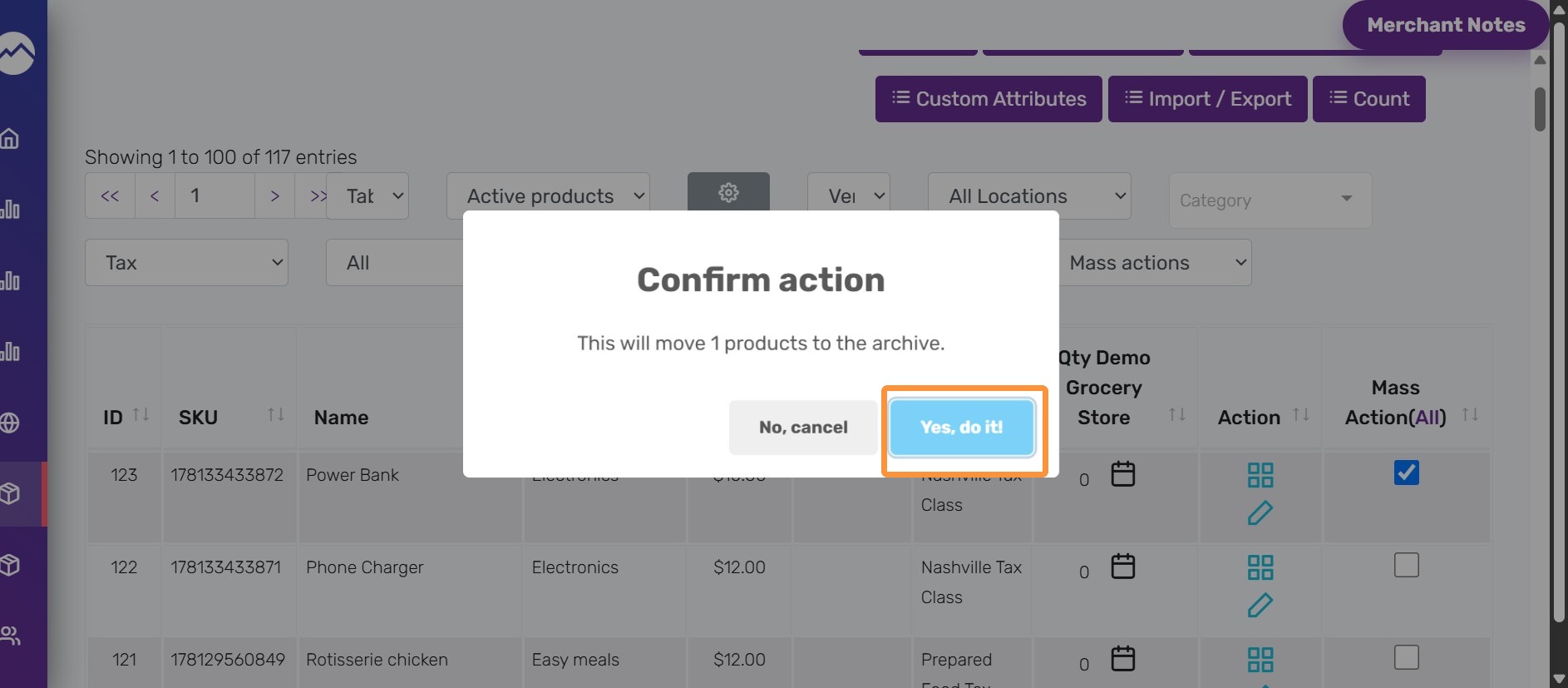
4. Click “Yes, do it!”
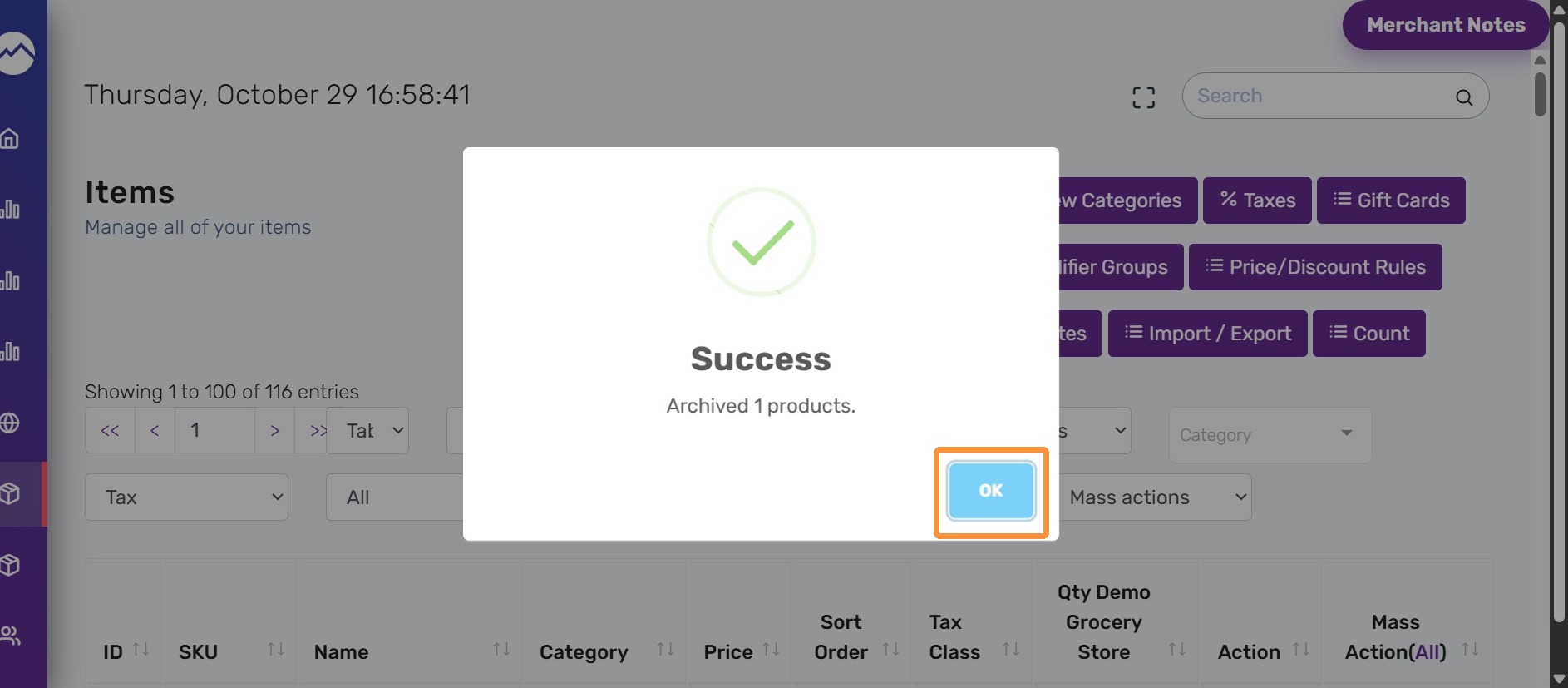
5. Click “OK”
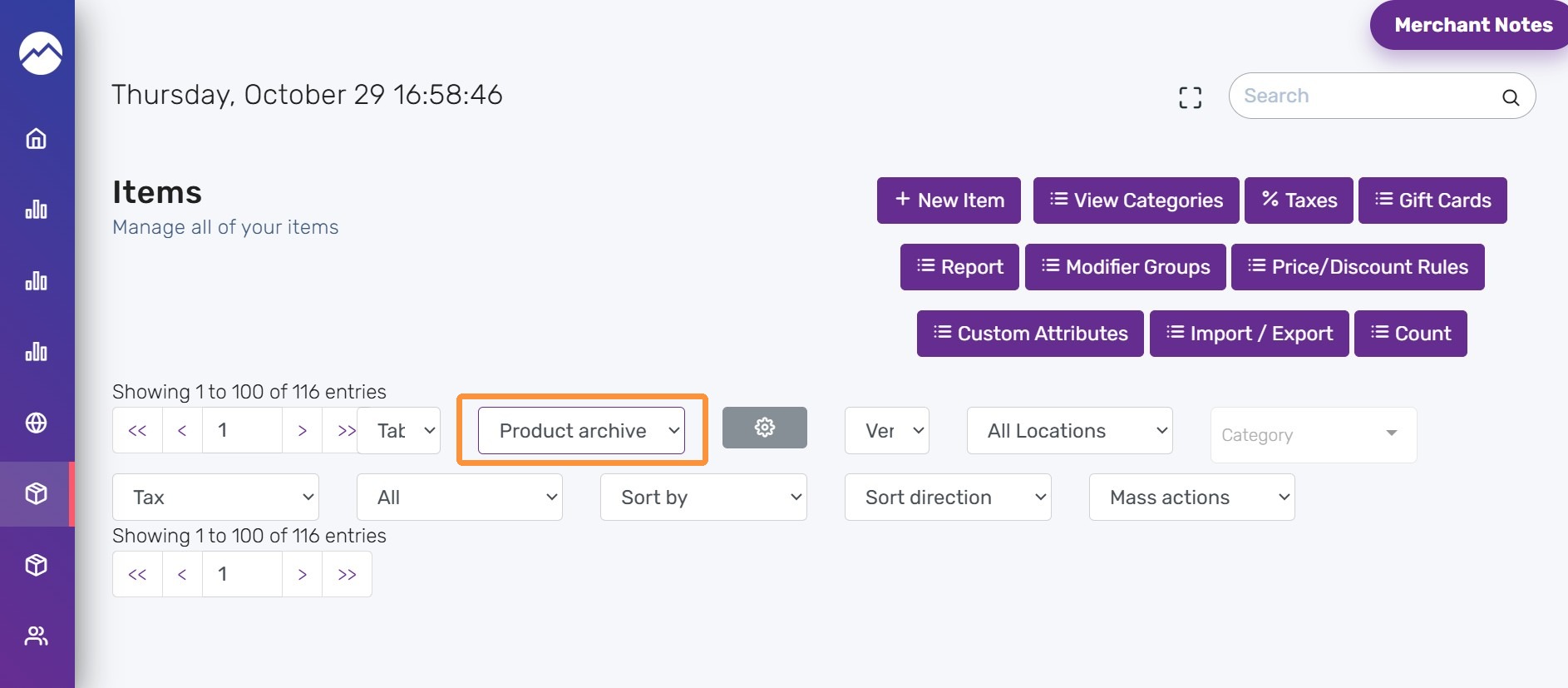
6. Select the “Product archive” option.
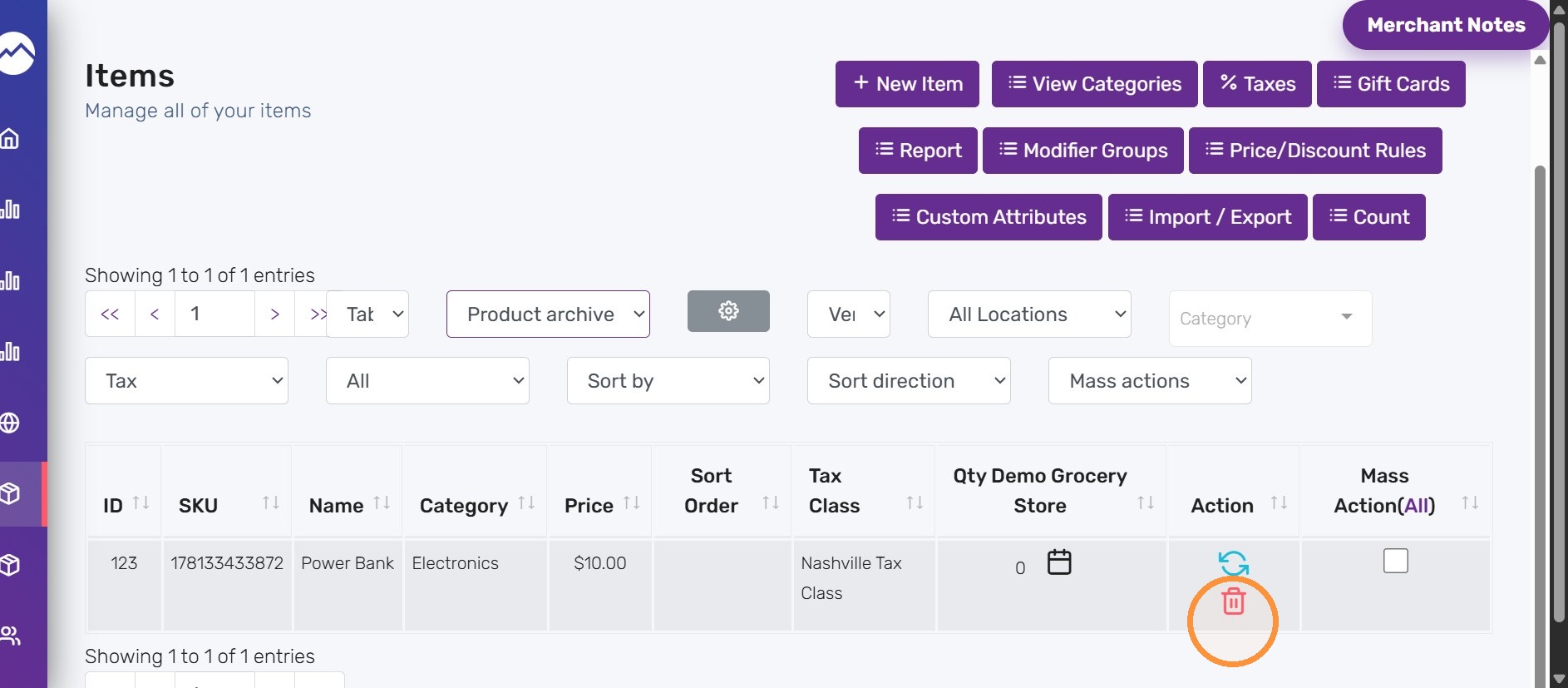
7. Click the trash icon for the archived product.
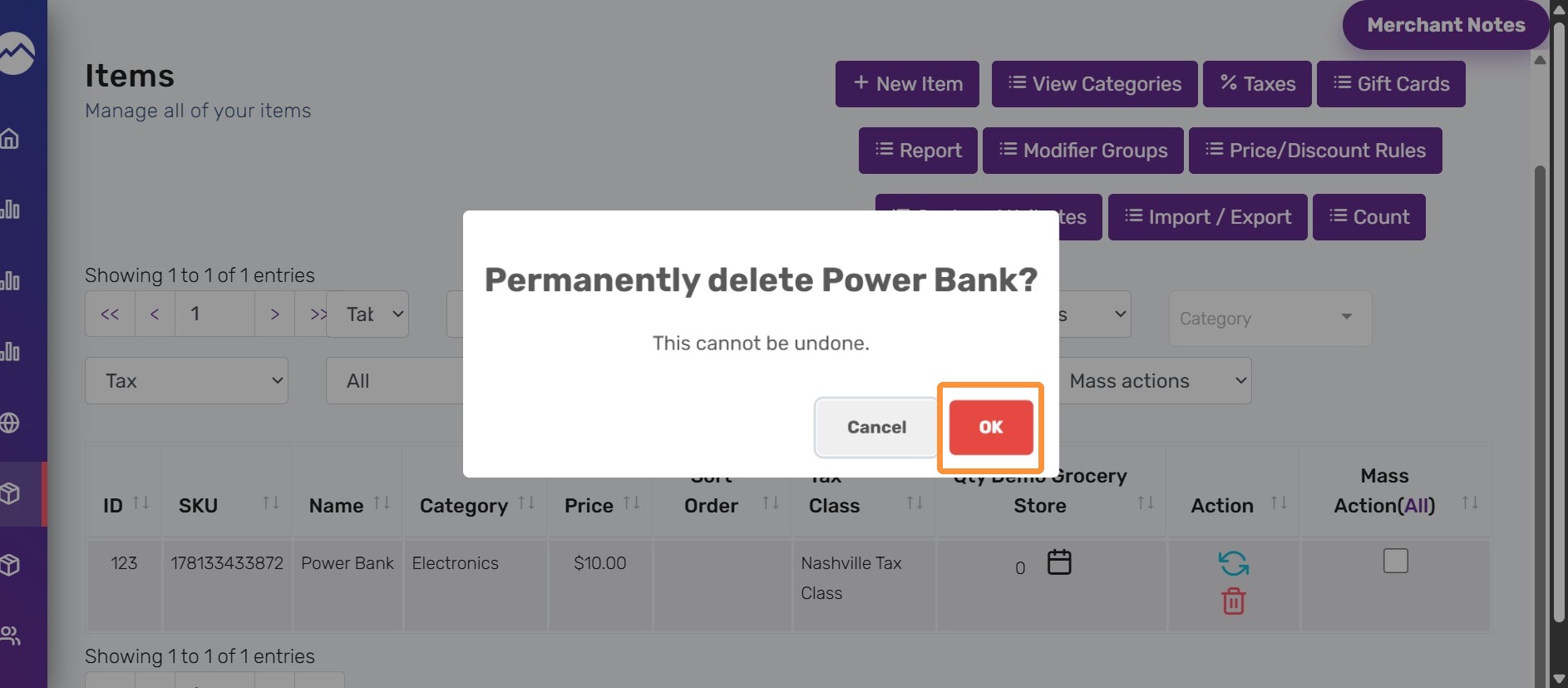
8. Click “OK” to permanently delete the archived product.
9. Click “OK” again to close the popup.